
Dirga Raj Lama
Web Developer
Category Archives: WordPress Troubleshooting
How to Fix the “Fatal Error: Allowed Memory Size Exhausted” in WordPress

Few things are as frustrating for a website owner as opening your site only to be greeted by a blank screen or a cryptic line of code. One of the most common issues WordPress users encounter is the Fatal Error: Allowed Memory Size Exhausted. This error typically indicates that your website has reached the default…
Using Hooks to Fix Plugin Behavior Without Touching Core Code

In the world of WordPress development, there is one cardinal sin: editing plugin or core files directly. While it might seem like the quickest way to solve a problem, it creates a maintenance nightmare where every update wipes out your hard work. Instead, professional developers rely on using hooks to fix plugin behavior through a…
How to Clean a Hacked WordPress Website: A Step-by-Step Recovery Guide
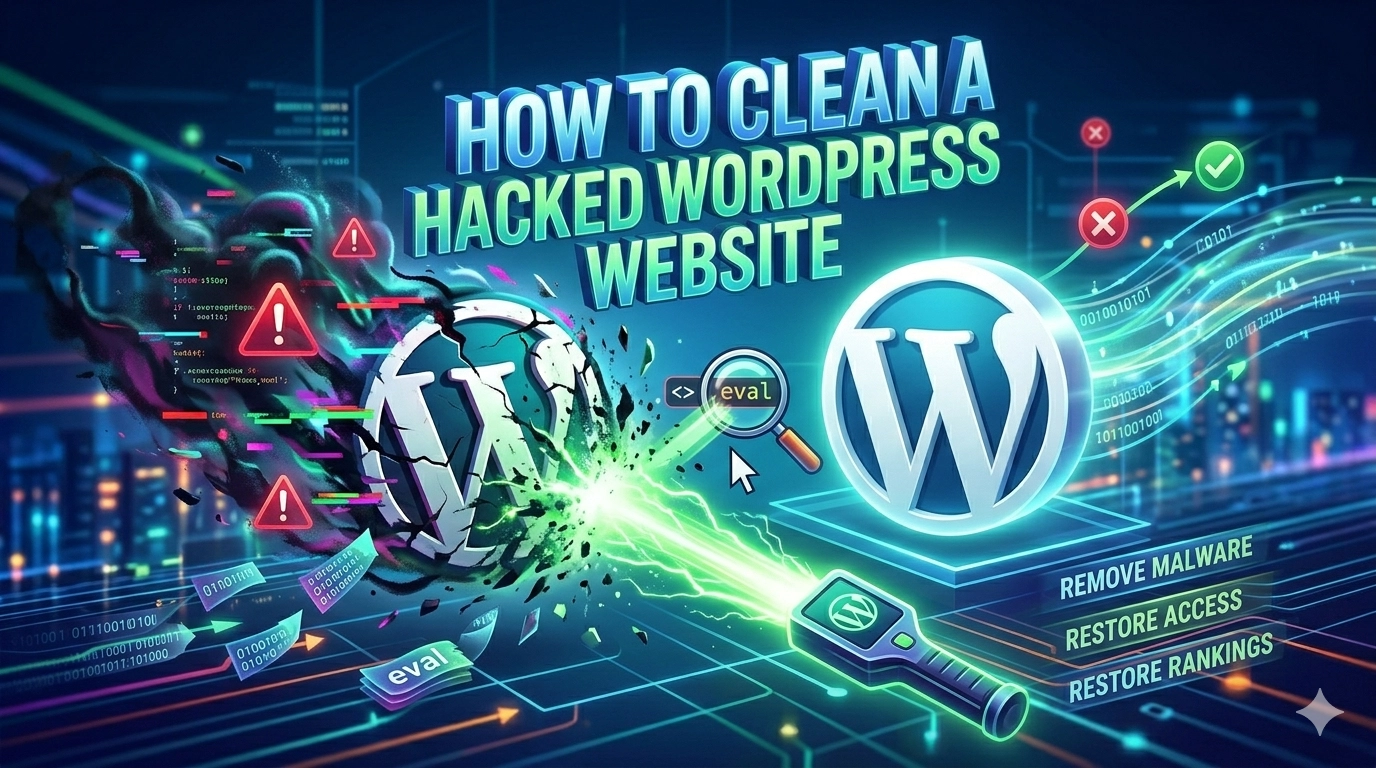
Finding out your site has been compromised is a digital nightmare, but knowing how to clean a hacked WordPress website efficiently can save your business from long-term damage. When security is breached, hackers may inject malicious scripts, redirect your traffic, or steal sensitive user data. Beyond the immediate technical risk, a hack can lead to…
How to Fix WordPress Site Not Mobile-Friendly: The Complete Guide
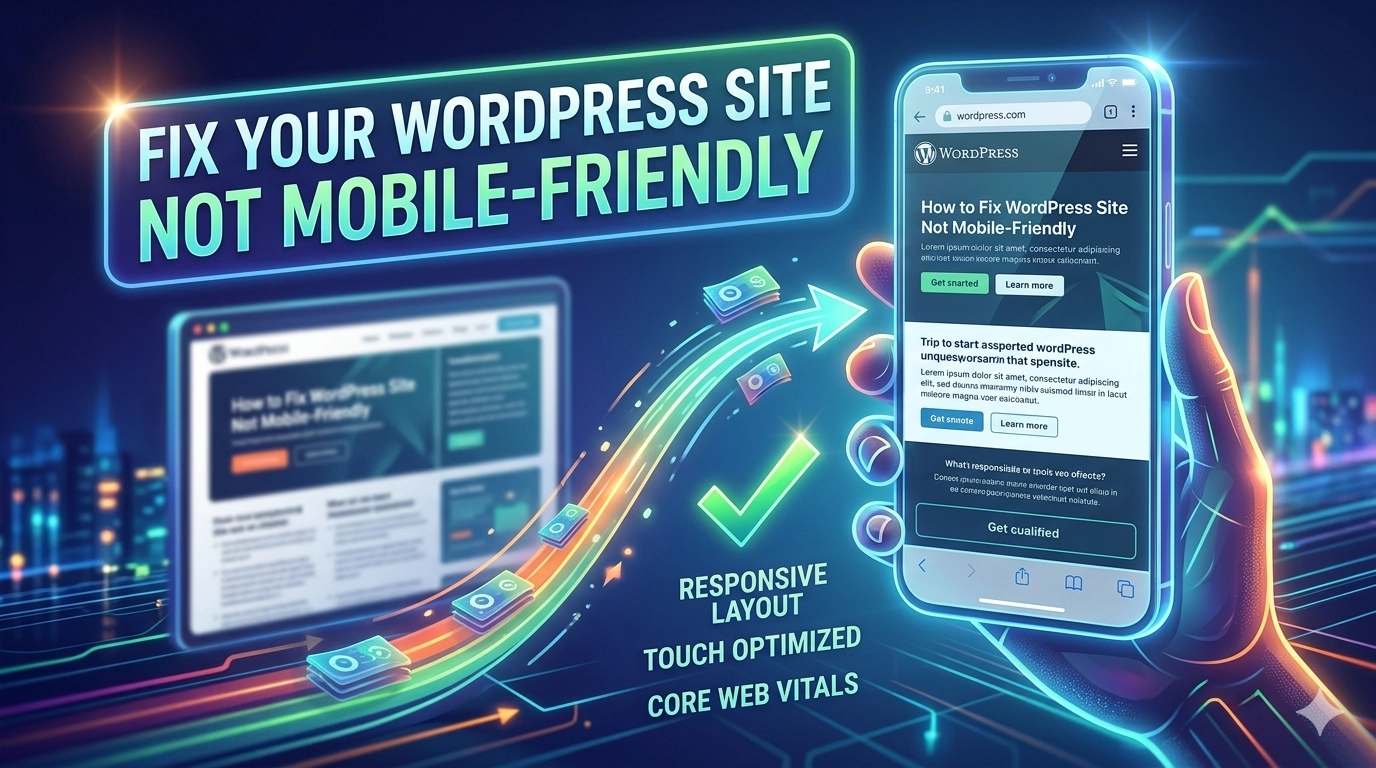
In the modern digital era, mobile-first indexing is no longer a suggestion—it is the standard. If your website fails to provide a seamless experience on smartphones, you are essentially invisible to a massive portion of your audience. Learning how to fix WordPress site not mobile-friendly issues is critical for maintaining your search engine rankings and…
How to Fix Duplicate Content Issues in WordPress
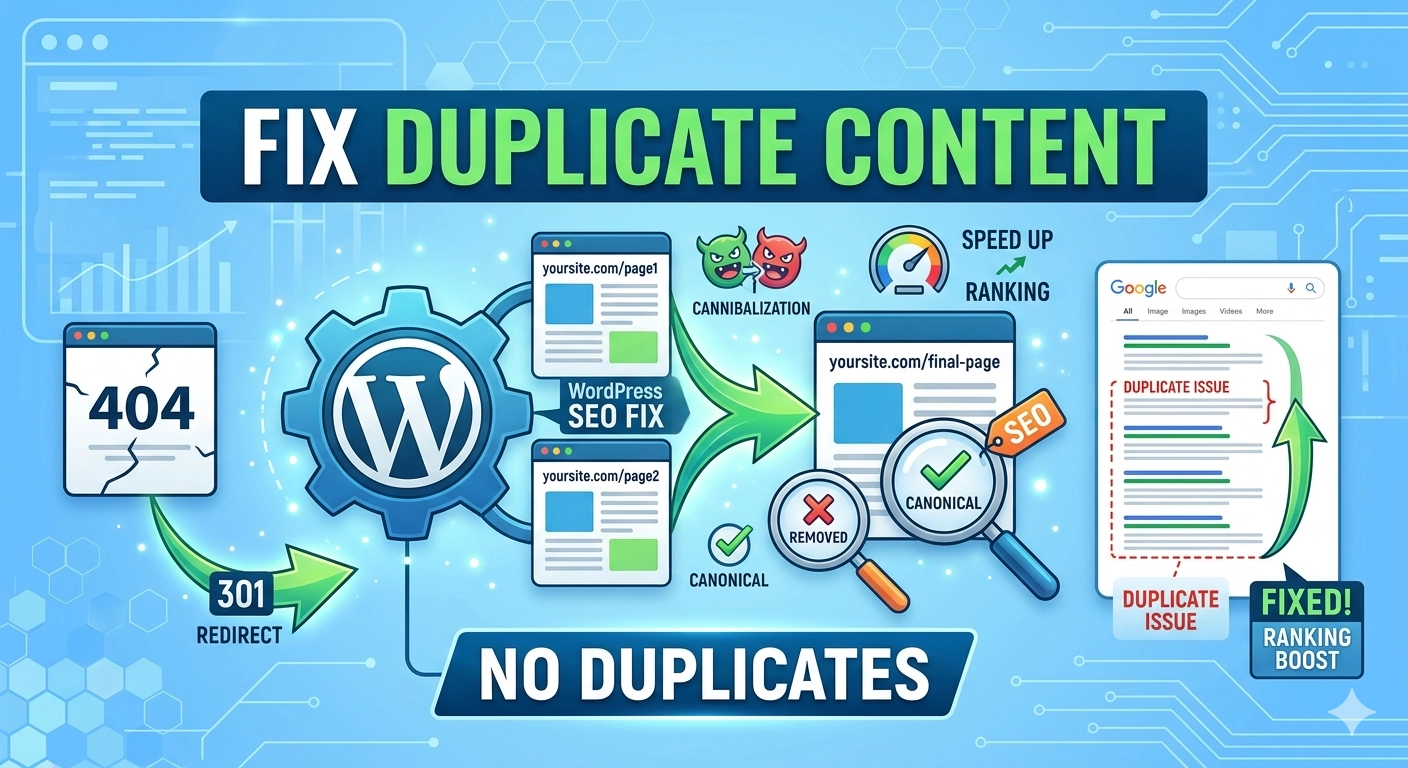
In the world of search engine optimization, uniqueness is currency. When multiple versions of the same content exist on different URLs, search engines struggle to decide which version to rank, often leading to a “cannibalization” effect that hurts your overall visibility. If you want to maintain a healthy site structure and high search rankings, you…
How to Optimize Images for Web Performance
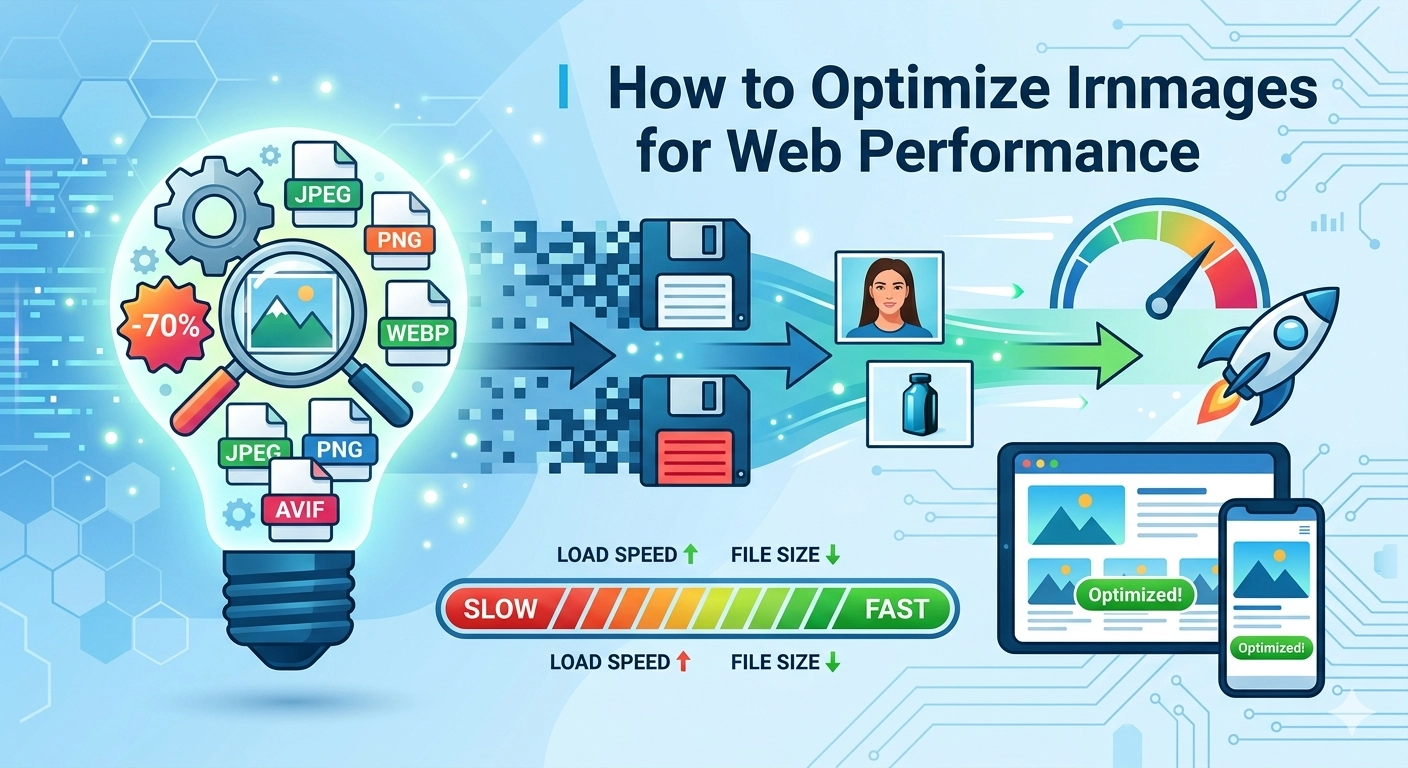
In the modern digital landscape, user attention spans are shorter than ever, and page speed has become a non-negotiable ranking factor. If you want your website to rank on the first page of Google, you must understand how to optimize images for web performance without sacrificing visual quality. Images typically account for the largest portion…
How to Fix Database Import Errors in WordPress: A Comprehensive Guide
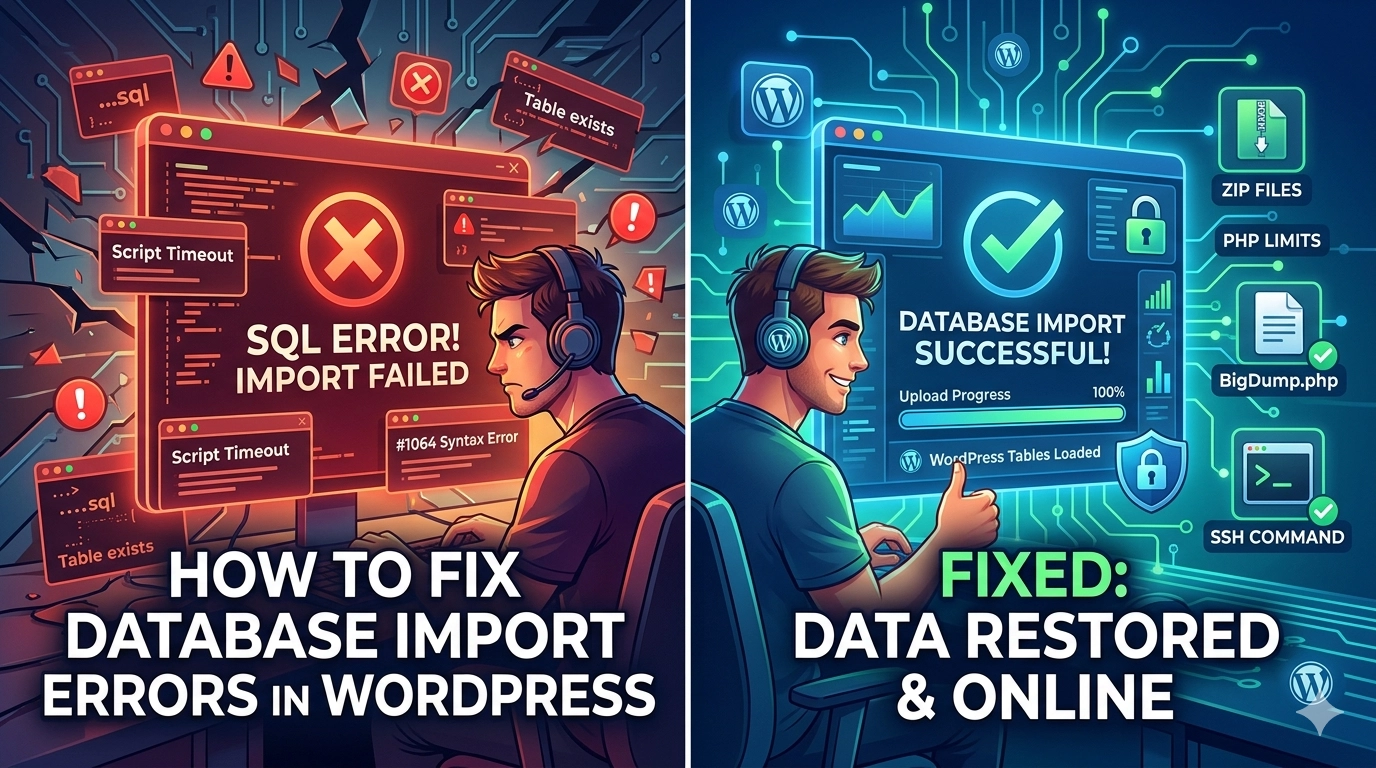
The database is the heart of your website, containing everything from your blog posts and user data to your critical configuration settings. However, during a site migration or a manual backup restoration, you may encounter a brick wall in the form of a failed SQL upload. If you are struggling to fix database import errors…
How to Fix WordPress Migration Stuck or Failed: A Step-by-Step Recovery Guide
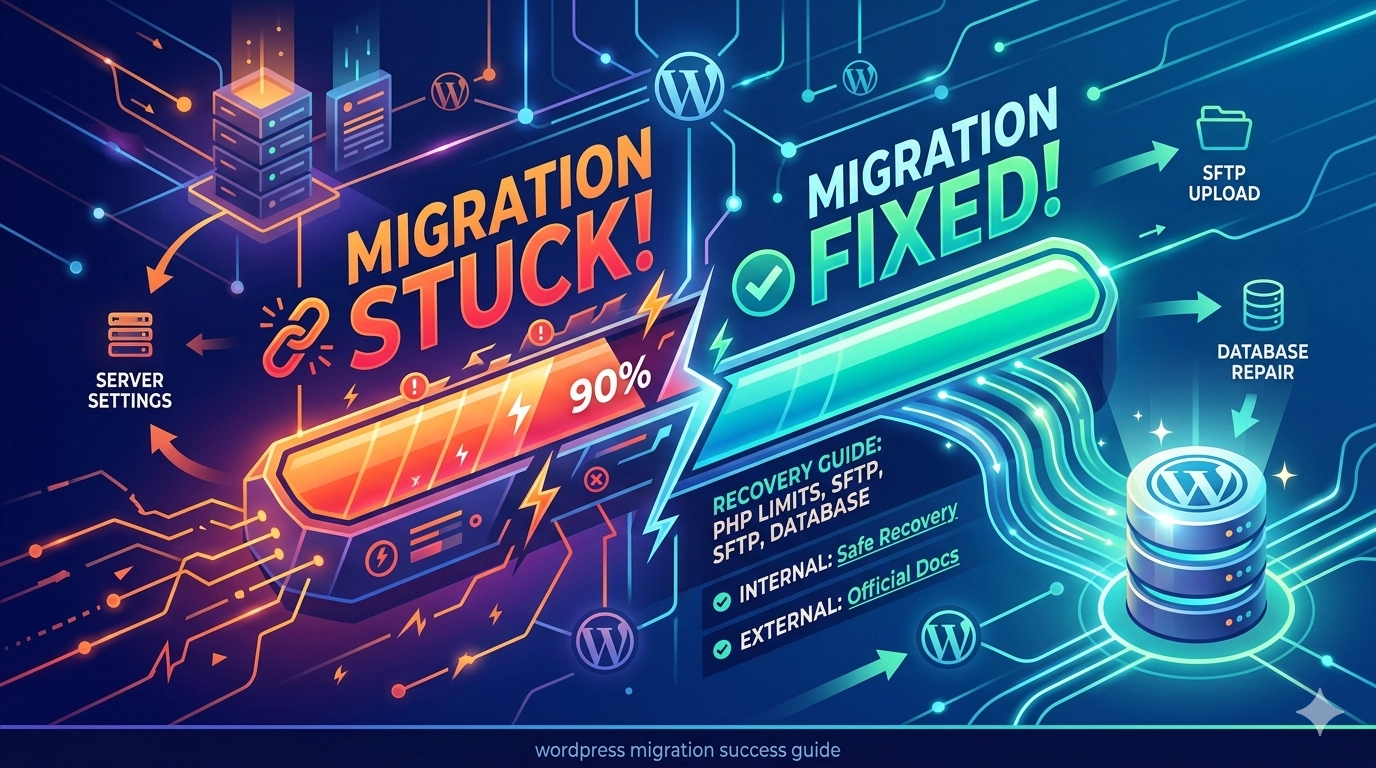
Moving your website to a new host should be an exciting milestone, but it often turns into a technical nightmare when the progress bar stops moving. If you are trying to fix WordPress migration stuck or failed errors, you are likely dealing with server resource limits or file integrity issues. Whether you are using a…
How to Fix Google Not Indexing WordPress Site: The Complete Recovery Guide
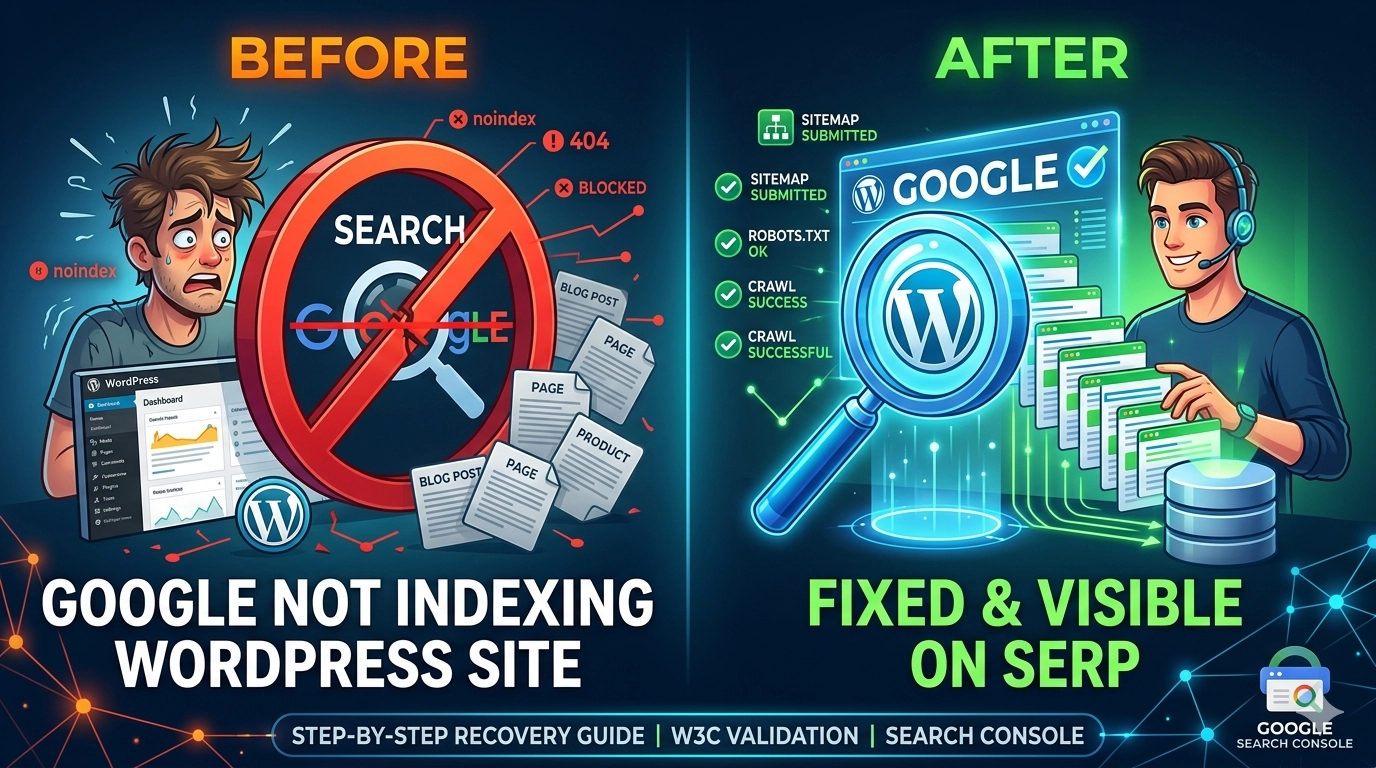
There is nothing more frustrating than spending hours crafting high-quality content only to find it completely missing from search results. If you are struggling with Google not indexing WordPress site pages, your visibility and organic traffic are essentially at a standstill. Indexing is the process where Google’s spiders (crawlers) visit your site, analyze the content,…
How to Fix a WordPress Website Without Losing Data: The Ultimate Safe Recovery Guide
Every WordPress user eventually faces the “White Screen of Death,” a plugin conflict, or a critical error that brings their site to its knees. When this happens, the primary fear isn’t just the downtime—it’s the risk of losing months of content, images, and SEO progress. If you are currently trying to fix a WordPress website…