
Dirga Raj Lama
Web Developer
Category Archives: WordPress
WordPress Site Showing White Screen of Death – 10 Quick Fixes
Few issues cause panic quite like opening your web browser only to find a completely blank web page. When your WordPress site is showing white screen errors, it means a severe server-side script failure has halted page rendering before any HTML output could be generated. Because no detailed error message is displayed on screen by…
How to Recover a Hacked WordPress Site: First 10-Minute Action Plan
Finding out your website has been compromised is a digital nightmare. Your heart sinks, your stomach drops, and your first instinct might be to frantically click around your dashboard trying to delete suspicious files. But panicking can lead to critical mistakes—like accidentally deleting your only clean database backup or tipping off the hacker before you…
How to Secure a WordPress Site – The 2026 Hardening Checklist
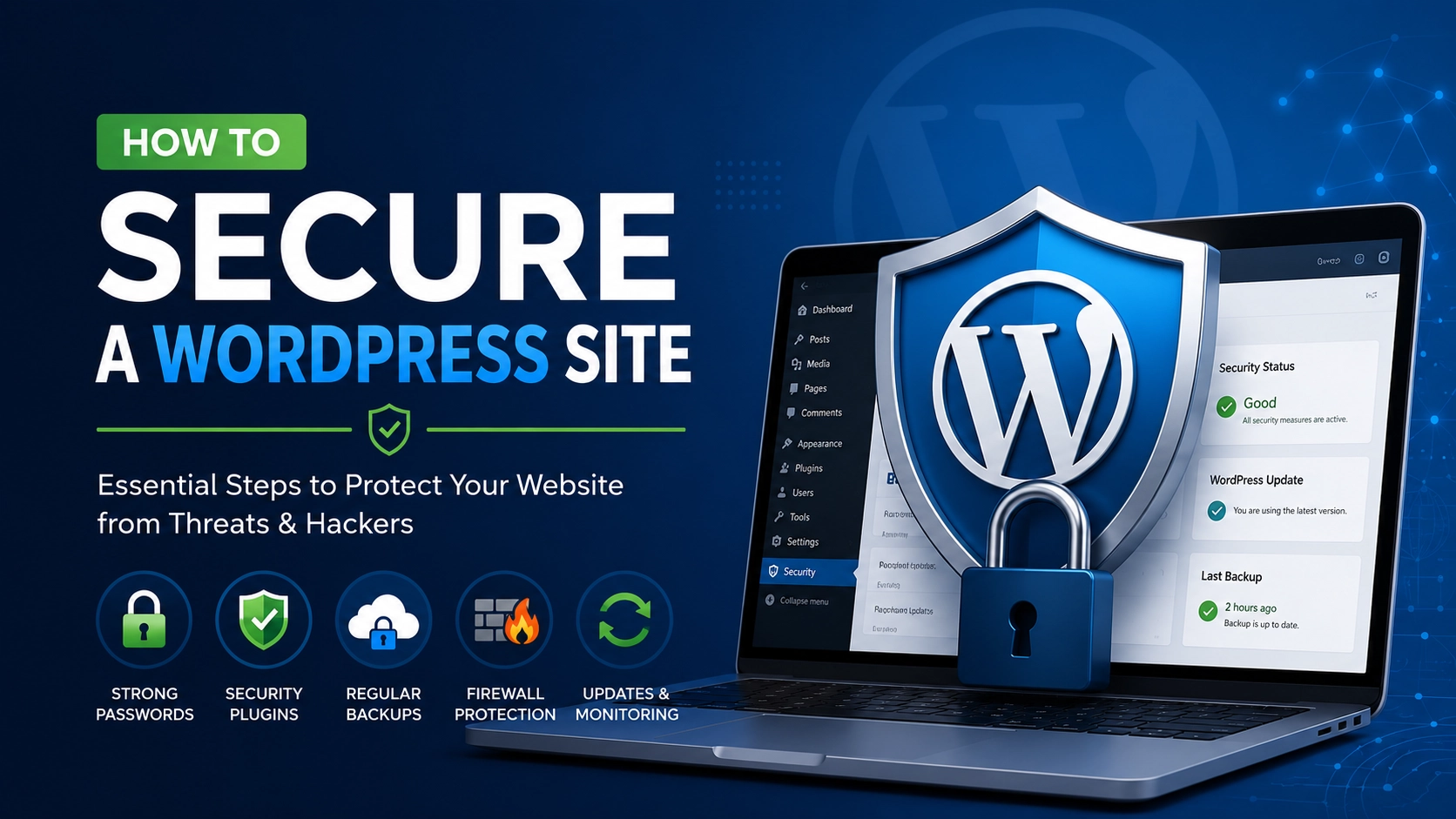
The digital threat landscape is shifting rapidly, making standard website protection protocols outdated. With hackers utilizing automated, AI-driven scripts to sniff out vulnerabilities, learning how to secure a WordPress site has become an absolute necessity for every web developer, blogger, and business owner. Relying on default settings leaves your hard work exposed to malicious injections…
ACF vs Gutenberg: Why Advanced Custom Fields Wins for Complex Layouts

Developers often face a tough choice when building websites. The debate between ACF vs Gutenberg shows the struggle between native block editing and custom data handling. For intricate site architectures, standard tools often fall short. The Advanced Custom Fields plugin offers a better solution for complex WordPress layouts. It uses WordPress custom fields for more…
Elementor vs. Gutenberg vs. ACF: Which is the Fastest WordPress Content Builder for 2026?

Speed is no longer a “nice-to-have” for WordPress websites—it’s a core ranking factor, a user expectation, and a conversion driver. If your pages take more than two seconds to load, you risk losing nearly half of your visitors before they even see your content. But here’s the dilemma that every WordPress site owner faces: which…
How to Set Up a WordPress Development Environment with Docker in 5 Steps

Developing WordPress sites locally used to mean installing XAMPP, MAMP, or manually configuring PHP and MySQL. Those methods still work, but they often lead to environment mismatches between your local machine and production server. Enter Docker: the containerization platform that guarantees consistency across every stage of development. In this tutorial, I’ll show you how to set…
How to Secure Your WordPress Login Page from Brute Force Attacks

Every day, thousands of WordPress sites are targeted by automated bots trying to guess usernames and passwords. This is called a brute force attack, and if successful, it can give hackers full control of your website. The good news? You can secure WordPress login page from brute force attacks using simple yet powerful techniques—without needing advanced coding…
How to Create Custom Post Types Without a Plugin – 2026 Guide

WordPress is powerful out of the box, but sometimes you need more than posts and pages. Maybe you want to add Portfolios, Testimonials, Books, or Team Members as separate content types. The easiest method is using a plugin, but that adds extra weight and potential security risks. The better solution? Learn to create custom post types without a plugin using only a…
Best WordPress Caching Plugin 2026 – Top Speed Solutions Compared

If you want your WordPress site to load instantly, rank high on Google, and keep visitors engaged, you need a powerful caching solution. But with dozens of options available, what is the best WordPress caching plugin 2026? The answer depends on your hosting environment, technical skill level, and performance goals. In this guide, we’ll break down…
WordPress Performance Optimization: 7 Technical Tips to Reduce Load Time
Slow loading time causes high bounce rates and poor search engine rankings. WordPress performance optimization lowers TTFB, enhances Core Web Vitals scores, and lessens the use of server resources. The following is a detailed explanation of how to apply seven methods of improving WordPress site performance using certain tools and settings. Importance of WordPress Performance…