
Dirga Raj Lama
Web Developer
ACF vs Gutenberg: Why Advanced Custom Fields Wins for Complex Layouts

Developers often face a tough choice when building websites. The debate between ACF vs Gutenberg shows the struggle between native block editing and custom data handling. For intricate site architectures, standard tools often fall short.
The Advanced Custom Fields plugin offers a better solution for complex WordPress layouts. It uses WordPress custom fields for more precise data management. This method helps create scalable, high-performance sites that are easy for clients to update. In this guide, I’ll show why pros often pick this path over standard editing tools.
Key Takeaways
- Native block editors offer simplicity, but they often struggle with highly structured data.
- Custom fields provide a cleaner, more predictable way to manage unique content types.
- Professional developers prioritize long-term site maintainability over quick, visual-only builds.
- Data-driven architectures benefit significantly from the structured approach of custom field plugins.
- Choosing the right tool depends on the specific complexity requirements of your project.
The Limitations of Native Gutenberg for Complex Data Structures
The Gutenberg block editor has changed how we build pages. But, it struggles with complex WordPress layouts. It’s great for simple content but falls short for more complex needs.
Handling Non-Standard Content Relationships
Dealing with WordPress data structures is tough for the default editor. It can’t handle complex content relationships well. This leads to messy code and slow performance.
“The true power of a content management system lies in its ability to handle complex data relationships without forcing the user to compromise on structural integrity.”
Developers often have to create custom solutions. This means working outside the editor. It makes managing data a big challenge over time.
The Challenge of Maintaining Design Consistency
Keeping a consistent design across large projects is hard. Default blocks are a good start but lack the control needed. Without custom fields, maintaining consistency is hard.
Using only default patterns can lead to design issues. Different people’s content can make it hard to keep everything looking the same. To keep designs consistent, developers need to use more structured approaches.
Why ACF vs Gutenberg is a Strategic Choice for Developers
When I look at a professional site’s architecture, I see the ACF vs Gutenberg choice as key. This choice affects how your team does WordPress development and upkeep. Choosing wisely keeps technical debt low and site functionality high.
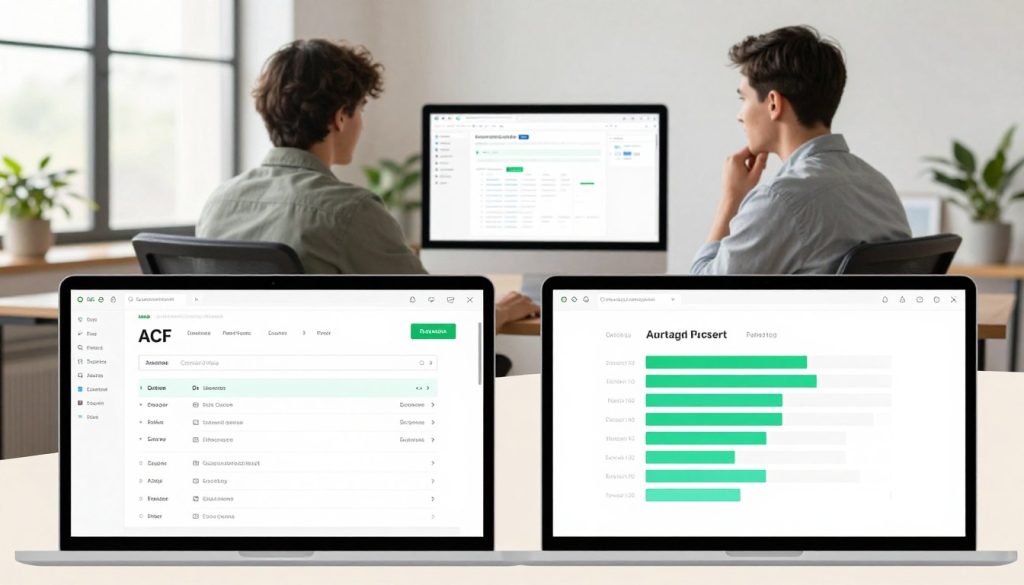
Superior Control Over Data Input and Output
Advanced Custom Fields gives precision that’s hard to match with the Gutenberg block editor alone. By setting specific field types, I make sure content editors can’t mess up the layout or input wrong data. This makes content management in WordPress very predictable.
“True power in web development comes from the ability to separate raw data from the presentation layer, ensuring that the backend remains as clean as the frontend.”
Performance Benefits of Decoupled Logic
I prefer this method for its WordPress performance optimization benefits. Decoupled logic keeps the rendering process efficient and light. This avoids the slowdown caused by complex, nested block structures.
The table below shows why developers often choose this structured approach for busy sites:
| Feature | Native Gutenberg | ACF Integration |
|---|---|---|
| Data Integrity | Moderate | High |
| Code Cleanliness | Variable | Excellent |
| Rendering Speed | Standard | Optimized |
| Customization | Limited | Unlimited |
Scalability for Enterprise-Level WordPress Sites
For Enterprise WordPress projects, strong WordPress data structures are crucial. I use ACF to enforce a strict schema that works for hundreds of pages. This structure makes it easy for my team to handle complex data relationships.
The choice between these tools is about making your work future-proof. By focusing on a solid data foundation, I make sure the site stays easy to maintain as needs change. This approach is what makes a site truly scalable.
How to Implement Advanced Custom Fields for Complex Layouts
Building complex layouts in WordPress is easier with WordPress custom fields. The Advanced Custom Fields plugin helps turn standard pages into data-driven experiences. These meet specific business needs.
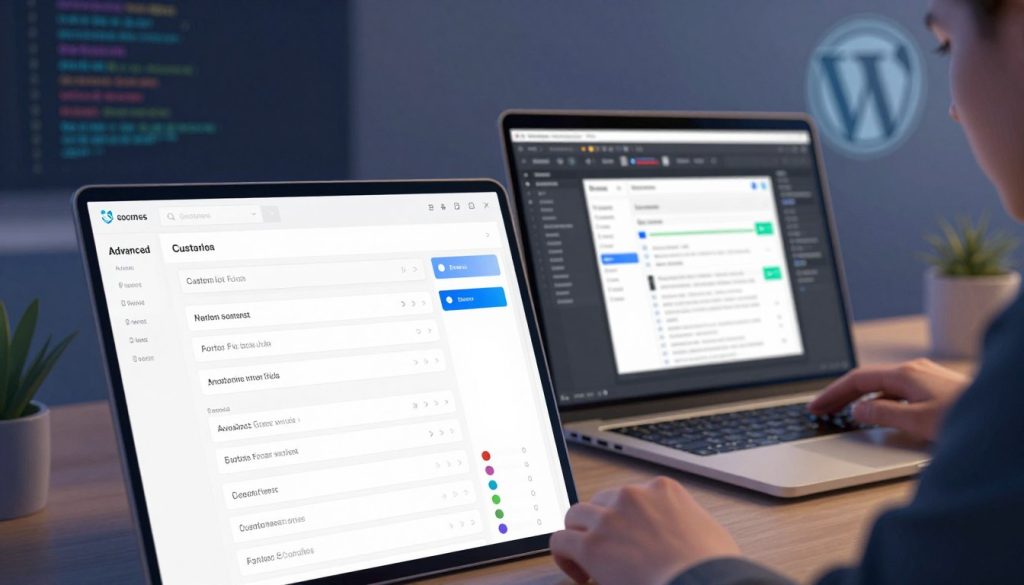
Defining Your Custom Field Groups and Field Types
Creating a solid foundation starts with defining field groups. I make sure these groups match my custom post types for a logical structure. Choosing the right field types, like repeaters or flexible content, helps capture the needed data for each page.
Mapping ACF Data to Custom Block Templates
After defining fields, I map the data to custom block templates. This step separates content entry from visual presentation. It’s crucial for Enterprise WordPress projects that value maintainability and clean code.
Utilizing the ACF Blocks API for Dynamic Rendering
The ACF Blocks API is key for dynamic rendering in the editor. It lets me see a live preview as I build. This makes editing feel natural in the block editor environment.
Best Practices for Field Group Organization
To manage projects, I stick to strict naming conventions for ACF field groups. I group related fields and use clear labels. This helps content editors know what’s needed. It’s vital for WordPress design consistency on large sites.
Ensuring Data Integrity with Validation Rules
Validation rules are crucial to prevent user errors. Setting required fields and character limits keeps data clean and reliable. Implementing these safeguards ensures the layout’s integrity and prevents broken designs.
Conclusion
Building professional websites needs focus on both structure and speed. Advanced Custom Fields (ACF) is key for projects needing top results. Organized ACF field groups help manage complex data easily.
Learning the ACF Blocks API changes how you design sites. It makes content dynamic and keeps your code simple. This boosts your WordPress site’s performance.
Choosing the right framework is crucial for WordPress development. Use these strategies to create scalable digital experiences. Clean data structures will help your projects grow. Start improving your workflow now to see better results.
Need Help Choosing or Building Your Layout?
Every project is unique, and sometimes the best approach is a hybrid strategy tailored to your specific content needs. Whether you need a fully custom ACF-powered build, a Gutenberg block strategy, or a seamless combination of both, I am here to help. Don’t waste time wrestling with the wrong tool for your complex layouts. Get in touch with me today for a free consultation, or fill out my contact form to discuss your project requirements. Let’s build something flexible, fast, and future-proof together.