
Dirga Raj Lama
Web Developer
Category Archives: WordPress Troubleshooting
How to Audit a Broken WordPress Website
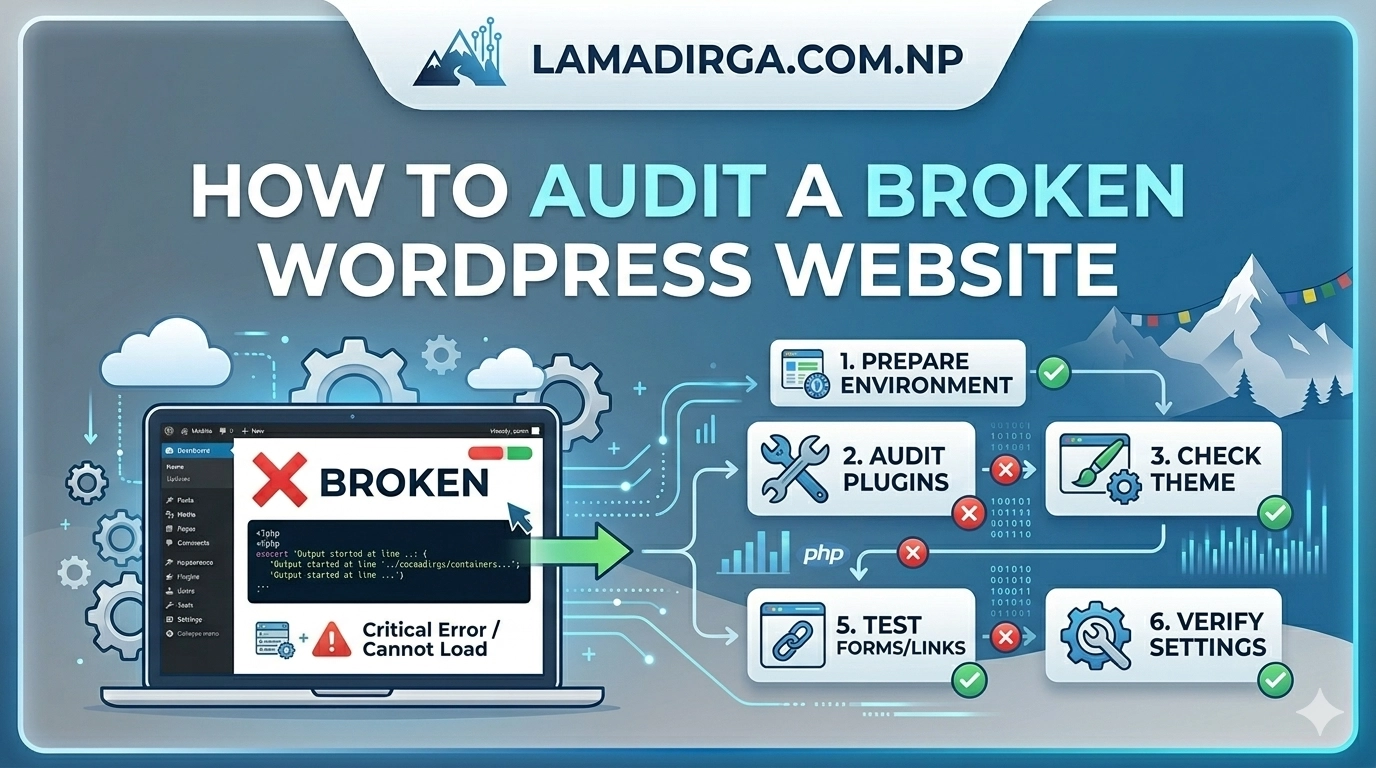
There is nothing quite as stressful for a site owner as waking up to a “Critical Error” message or a layout that has completely fallen apart. When your site stops functioning, the first instinct is often to start changing settings at random, but this can often make matters worse. If you want to restore your…
How to Fix “Headers Already Sent” Error in WordPress
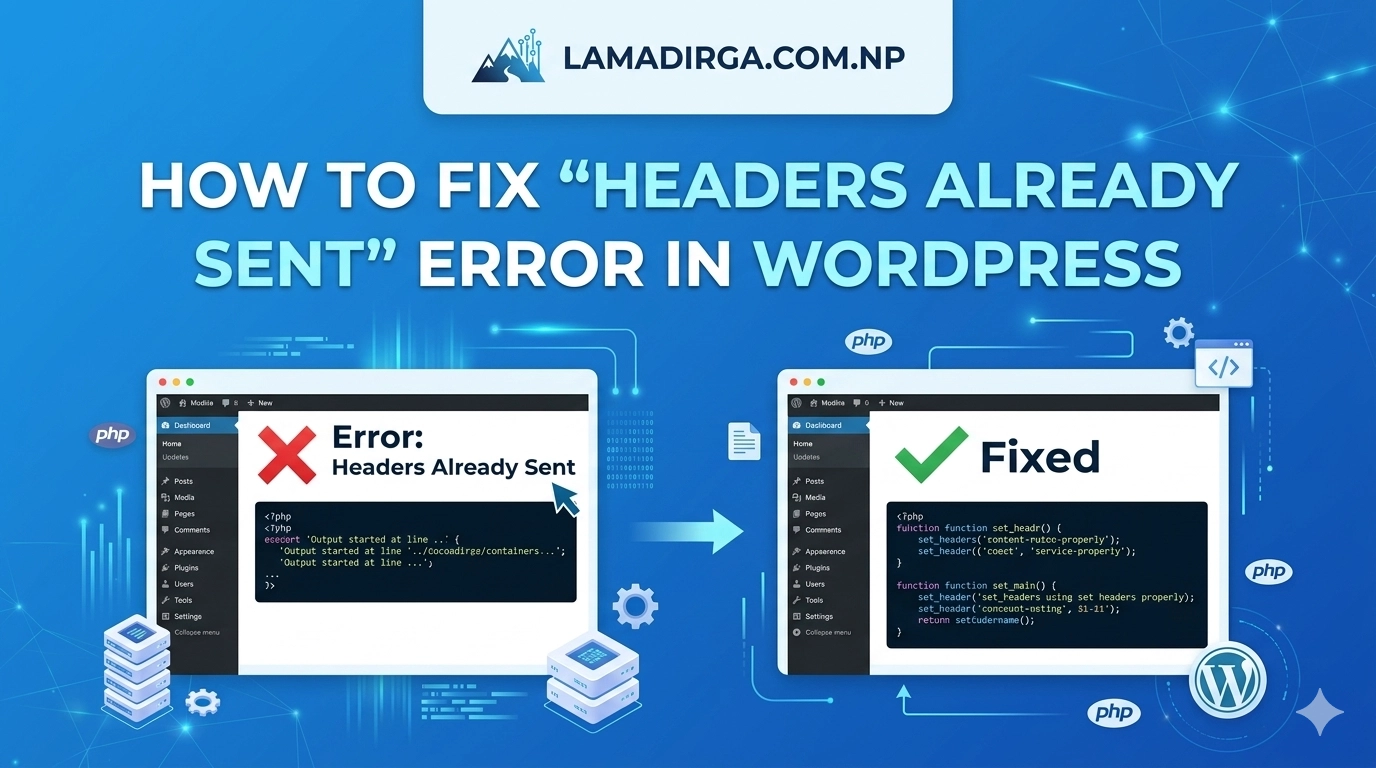
Few things are more intimidating to a website owner than seeing a line of PHP code splashed across a white screen instead of your beautiful website. If you are currently staring at a message that says “Warning: Cannot modify header information,” you are likely looking for how to fix “Headers Already Sent” error in WordPress….
How to Fix REST API Not Working in WordPress
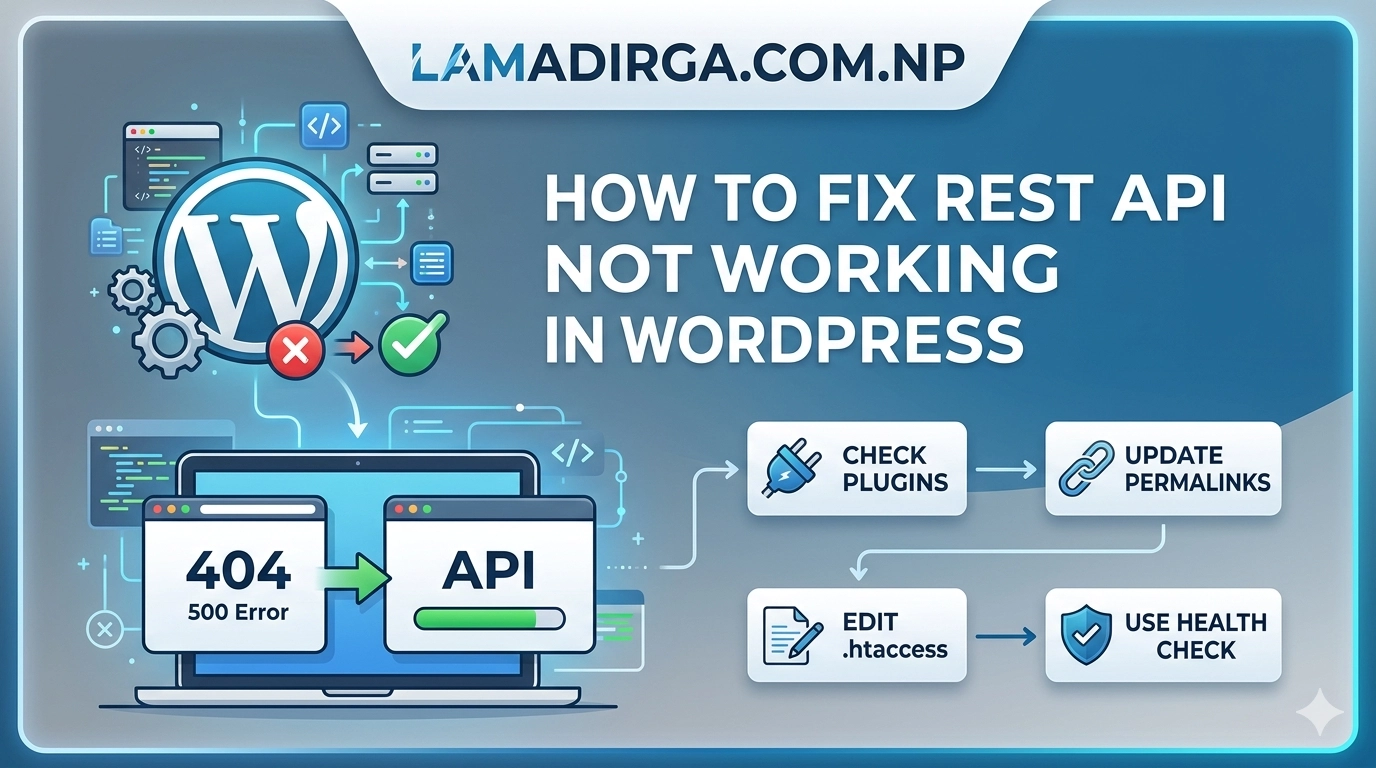
The WordPress REST API is the silent engine that powers modern features like the Gutenberg block editor, Site Health monitoring, and many third-party integrations. However, when it malfunctions, you might see errors like “The editor has encountered an unexpected error” or “Updating failed.” If you are trying to understand how to fix REST API not…
How to Fix a Slow WooCommerce Store (Real Case Study)
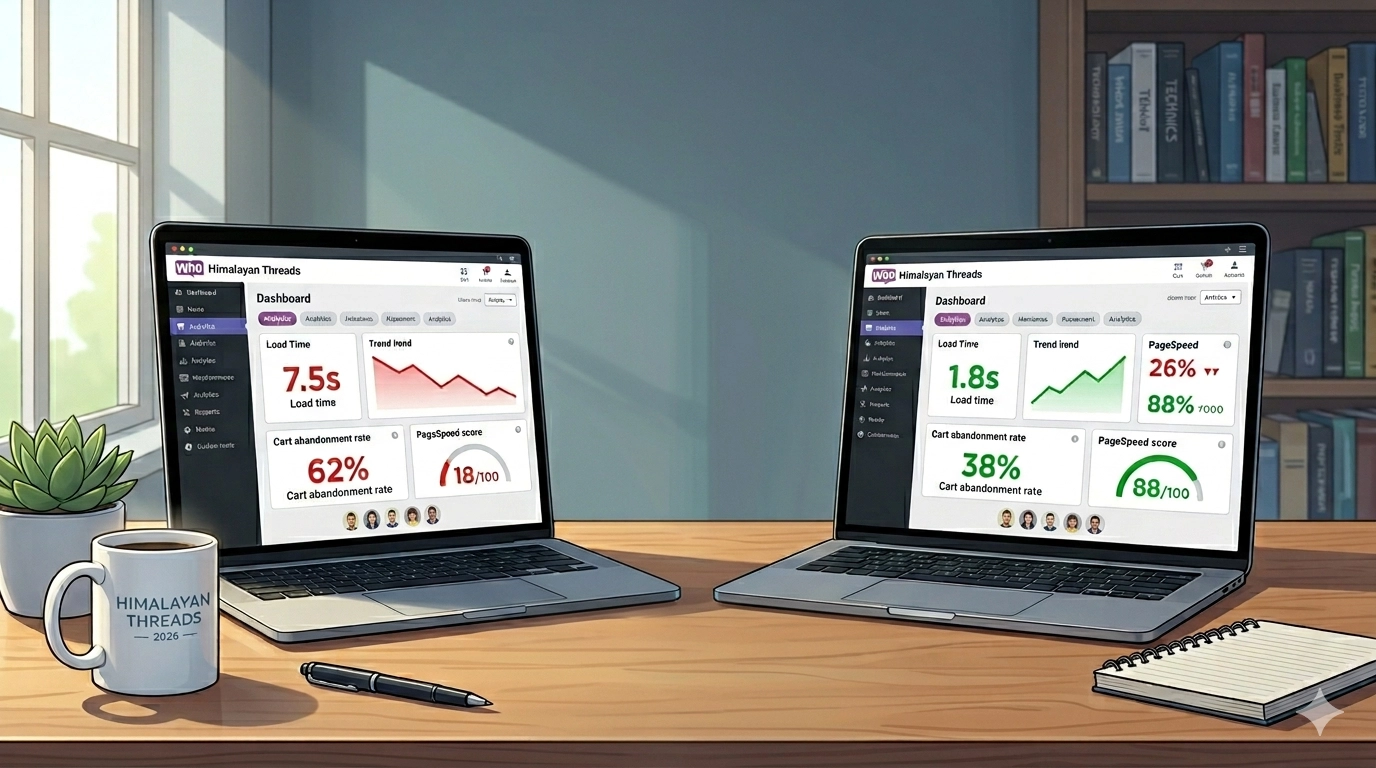
Is your high-traffic online shop frustrating customers and costing you sales? In this optimization guide, I will share the exact methods I used to Fix a Slow WooCommerce Store (Real Case Study), cutting load times by 70% and immediately boosting conversions for a local Nepal-based client. A sluggish website in the competitive world of e-commerce…
How to Fix Elementor Not Loading or Stuck on Loading Screen
Getting ready to design a beautiful page only to find the editor frozen can be incredibly frustrating. If you are struggling with how to fix Elementor not loading or stuck on loading screen, you aren’t alone. This common WordPress issue usually manifests as a persistent grey screen or a continuous loading spinner that never actually…
How to Troubleshoot a Broken WordPress Plugin: 7 Simple Steps (2026)
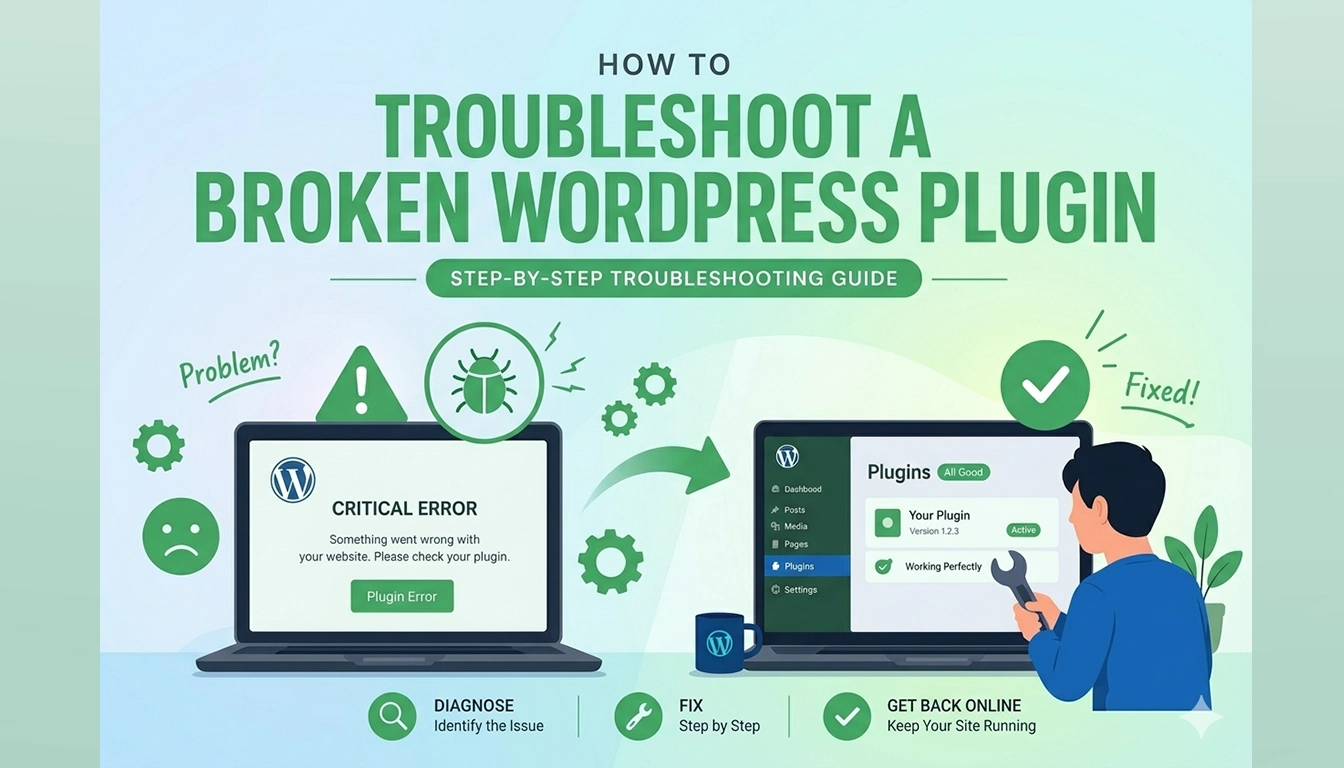
Few things are more jarring than navigating your website only to be met with a fatal error message, a “Red Screen of Death,” or a critical function that has simply stopped working. Learning how to troubleshoot a broken WordPress plugin is an essential technical skill for any site owner. While WordPress is incredibly robust, its…
How to Remove Malware from WordPress Site: 7-Step Recovery Guide
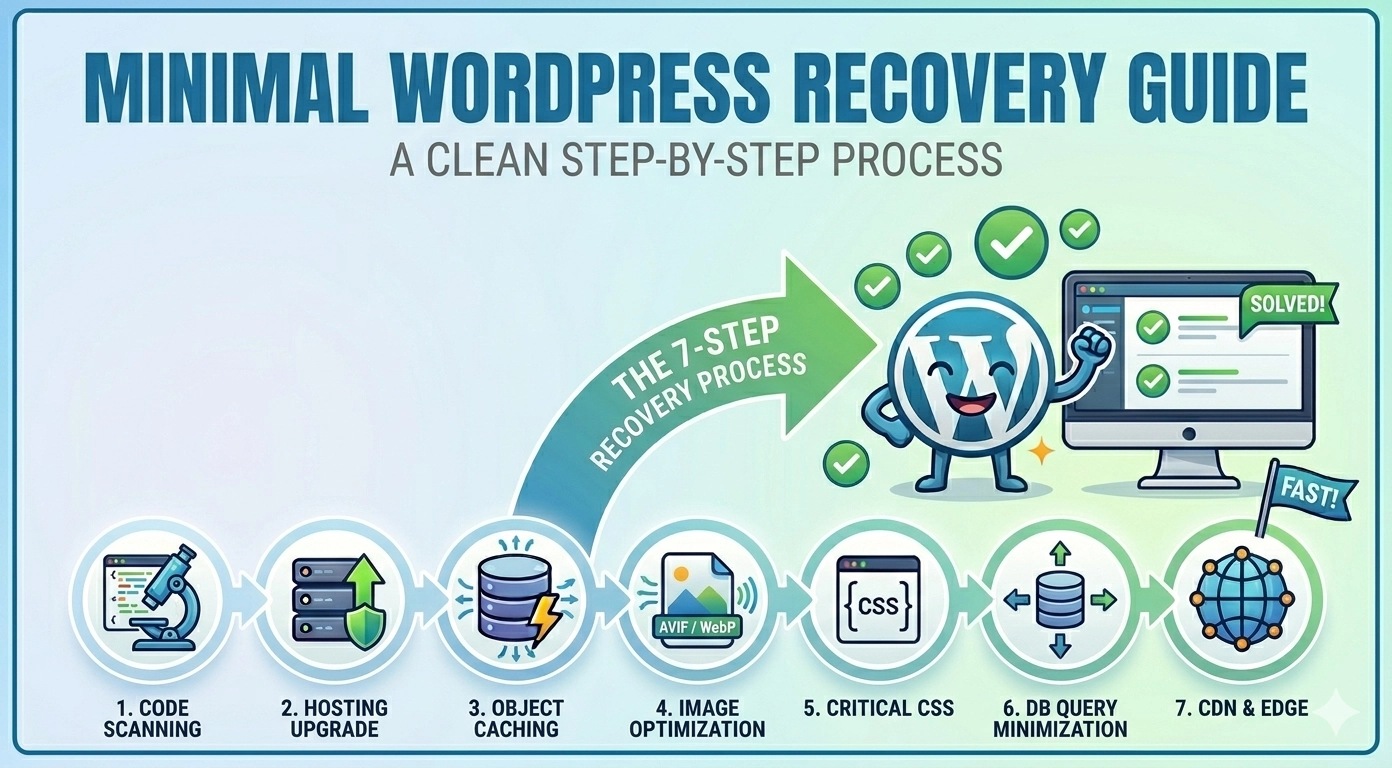
Discovering your website has been compromised is a digital nightmare. Learning how to remove malware from WordPress site immediately becomes your top priority, as malicious code can steal data, destroy your SEO rankings, and infect your visitors. A hacked site often shows symptoms like Google “Red Screen” warnings, unexpected redirects, or strange files appearing in…
How to Fix Slow WordPress Website (Step-by-Step) Guide for 2026
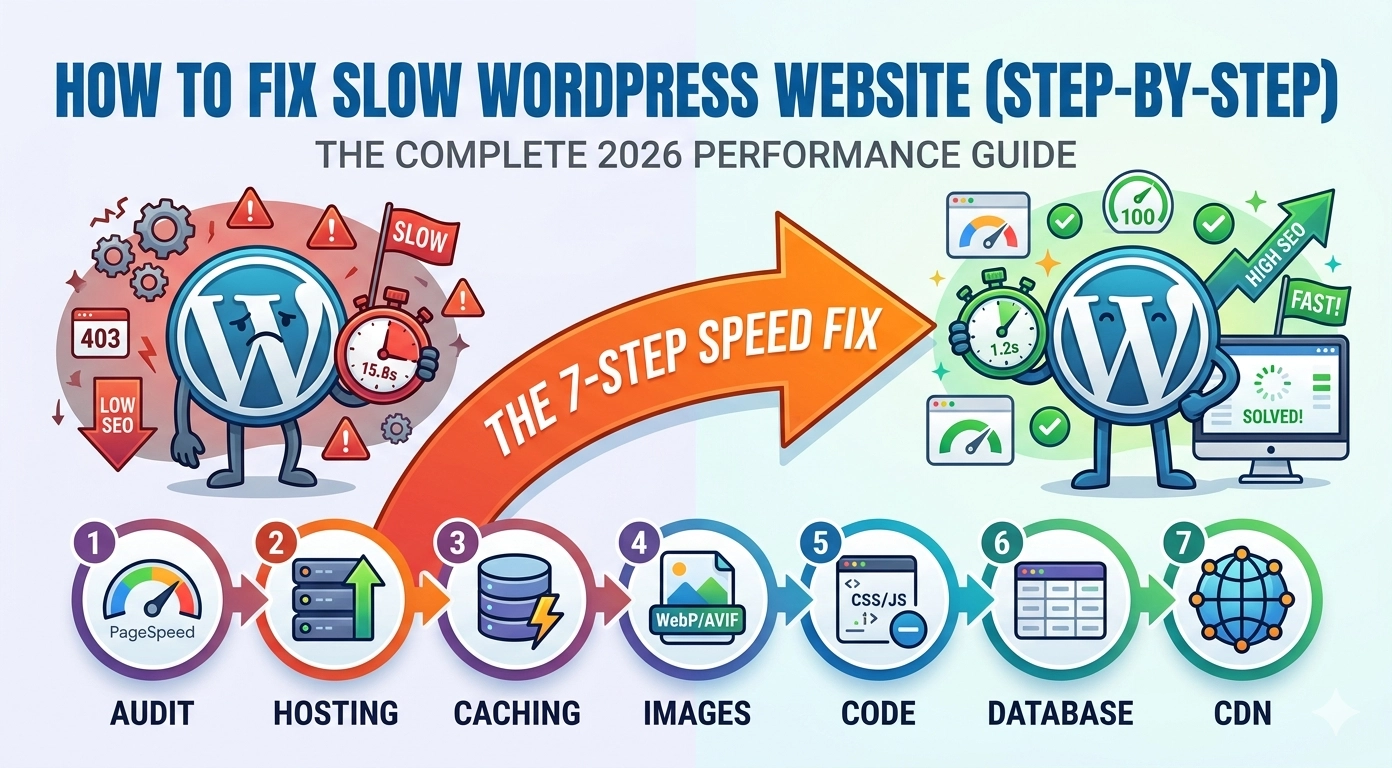
In the fast-paced digital world of 2026, a one-second delay can be the difference between a new customer and a bounced visitor. Learning how to fix slow WordPress website (step-by-step) is no longer just a “nice-to-have” skill—it is a business necessity. Google’s Core Web Vitals, specifically metrics like Interaction to Next Paint (INP) and Largest…
How to Fix 403 Forbidden Error in WordPress: A Step-by-Step Guide
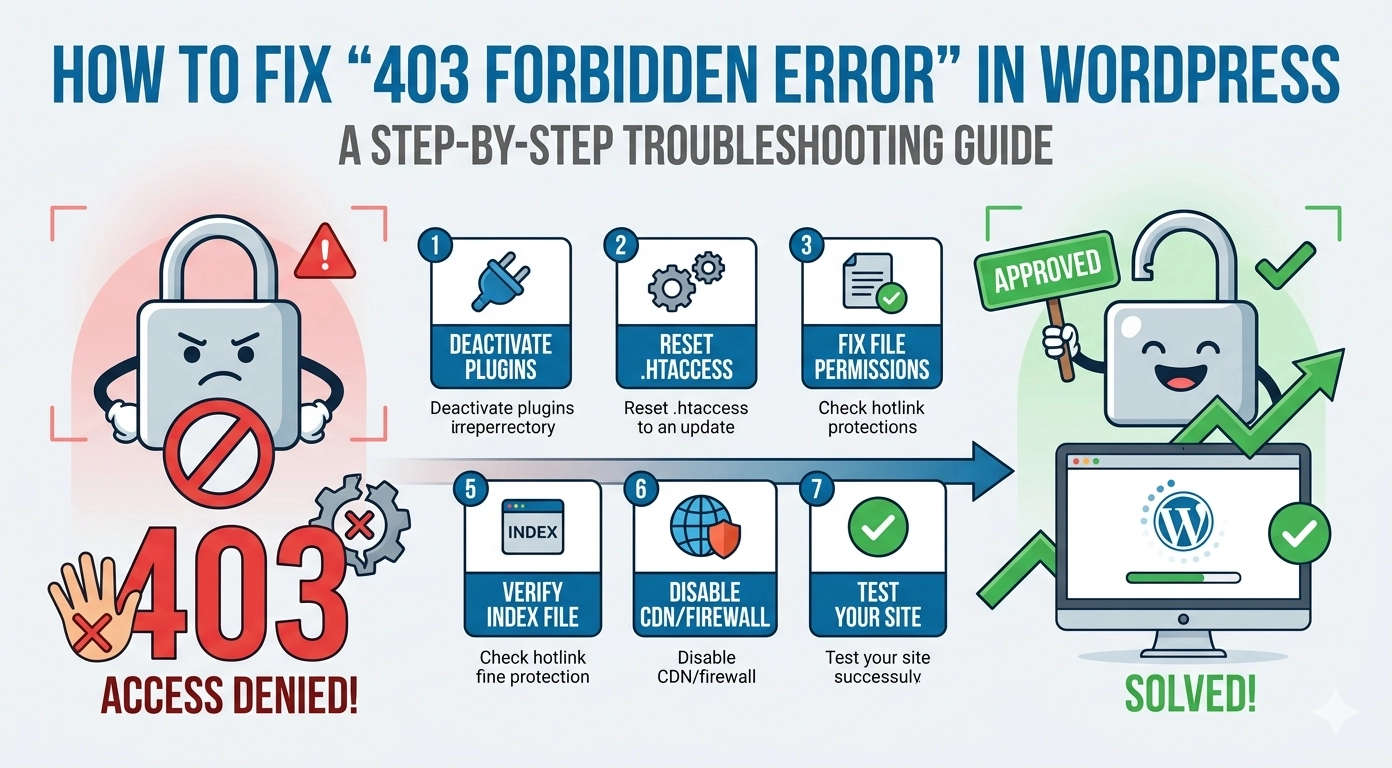
Few things are more jarring than navigating to your website only to be met with a cold, “Access Denied” message. Learning how to fix 403 Forbidden error in WordPress is a critical skill for any site owner because this error effectively locks out both you and your visitors. A 403 error occurs when your server…