
Dirga Raj Lama
Web Developer
Category Archives: WordPress
How to Fix WordPress Site Not Mobile-Friendly: The Complete Guide
In the modern digital era, mobile-first indexing is no longer a suggestion—it is the standard. If your website fails to provide a seamless experience on smartphones, you are essentially invisible to a massive portion of your audience. Learning how to fix WordPress site not mobile-friendly issues is critical for maintaining your search engine rankings and…
How to Rank a WordPress Website on Google: The Ultimate Guide
In the competitive digital landscape of 2026, simply having a site isn’t enough; you need to know exactly how to rank WordPress website on Google to stay ahead. WordPress is an incredibly powerful CMS, but out-of-the-box settings only take you halfway. To truly dominate the Search Engine Results Pages (SERPs), you must combine technical precision…
Top Free vs Premium WordPress Themes: Which Should You Choose?
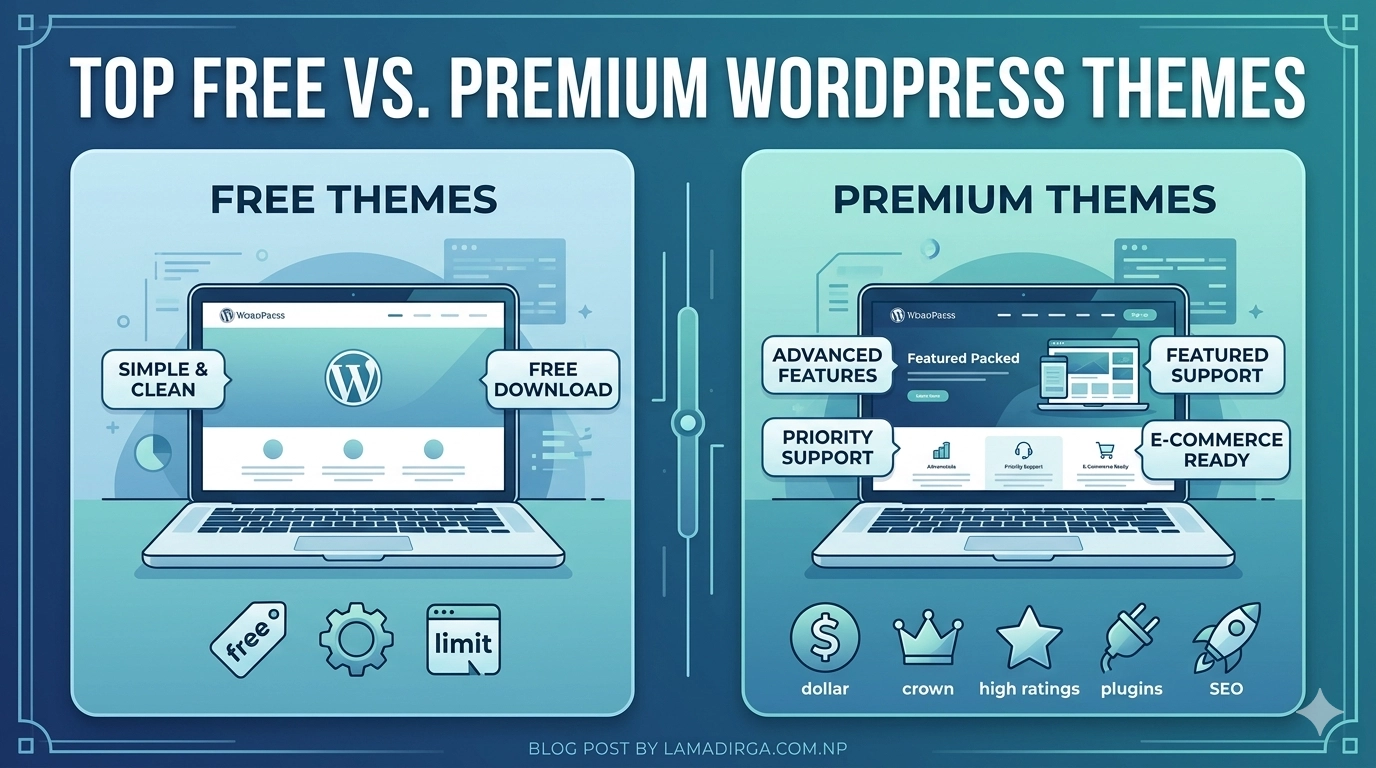
Choosing the right foundation for your website is one of the most critical decisions you will make in your digital journey. As we move through 2026, the gap between the top free vs premium WordPress themes has narrowed significantly, thanks to the rise of Full Site Editing (FSE) and high-performance block-based builders. While free themes…
How to Fix Duplicate Content Issues in WordPress
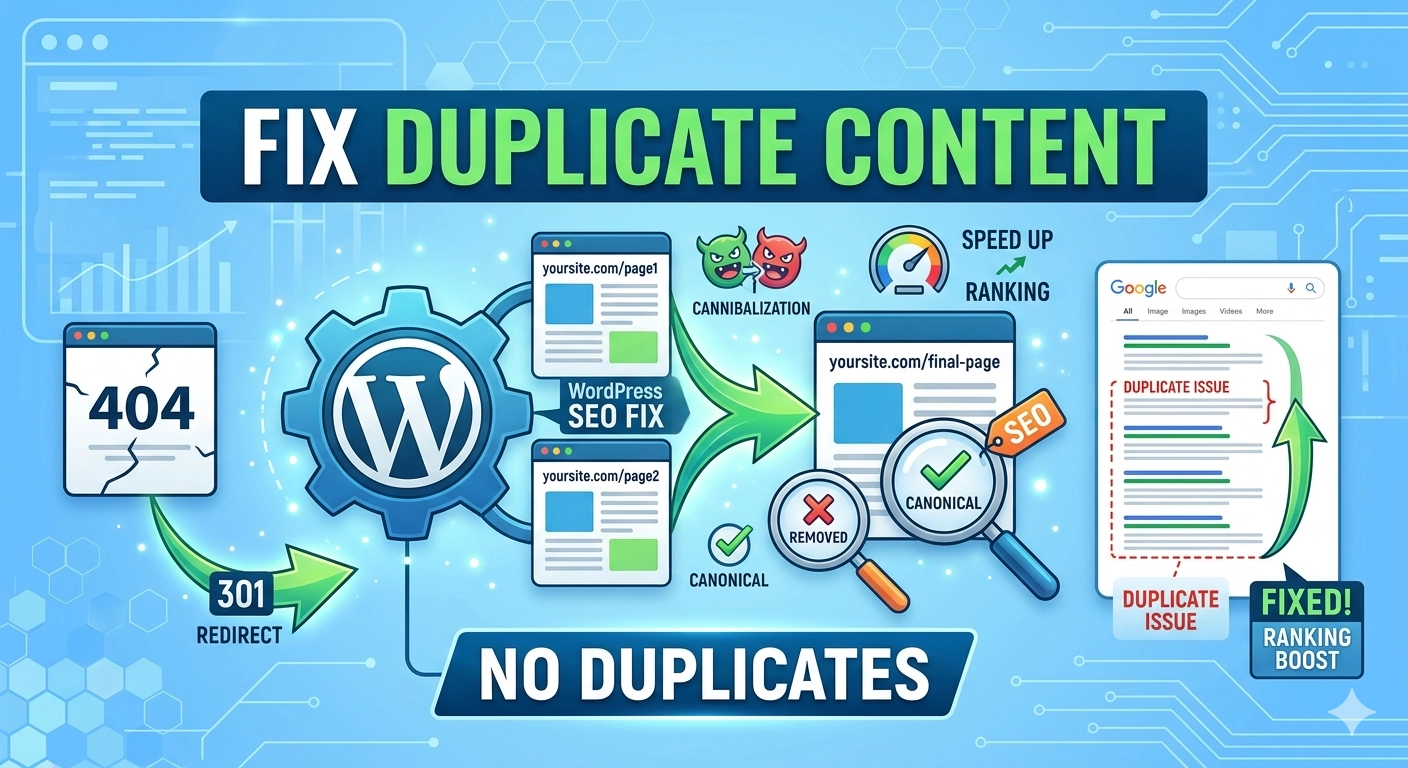
In the world of search engine optimization, uniqueness is currency. When multiple versions of the same content exist on different URLs, search engines struggle to decide which version to rank, often leading to a “cannibalization” effect that hurts your overall visibility. If you want to maintain a healthy site structure and high search rankings, you…
How to Fix Database Import Errors in WordPress: A Comprehensive Guide
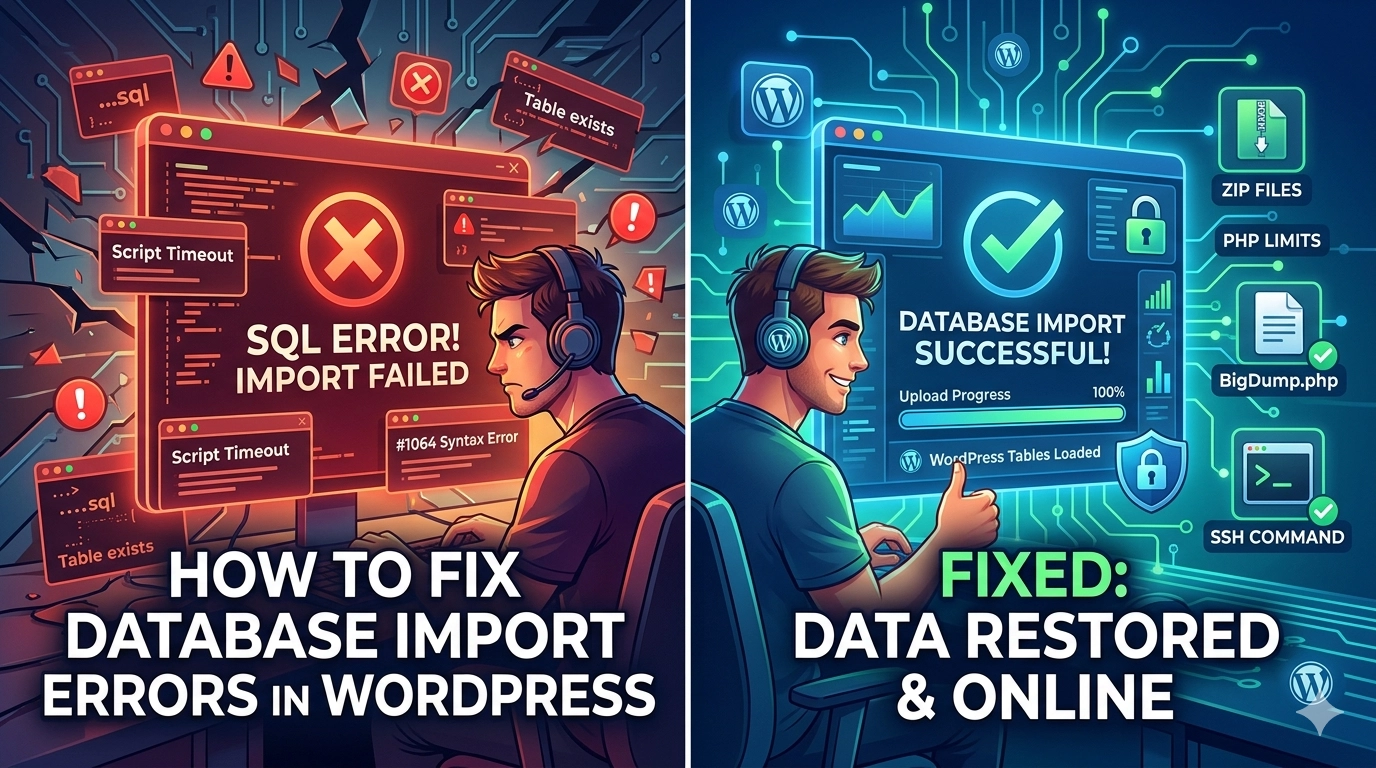
The database is the heart of your website, containing everything from your blog posts and user data to your critical configuration settings. However, during a site migration or a manual backup restoration, you may encounter a brick wall in the form of a failed SQL upload. If you are struggling to fix database import errors…
How to Fix WordPress Migration Stuck or Failed: A Step-by-Step Recovery Guide
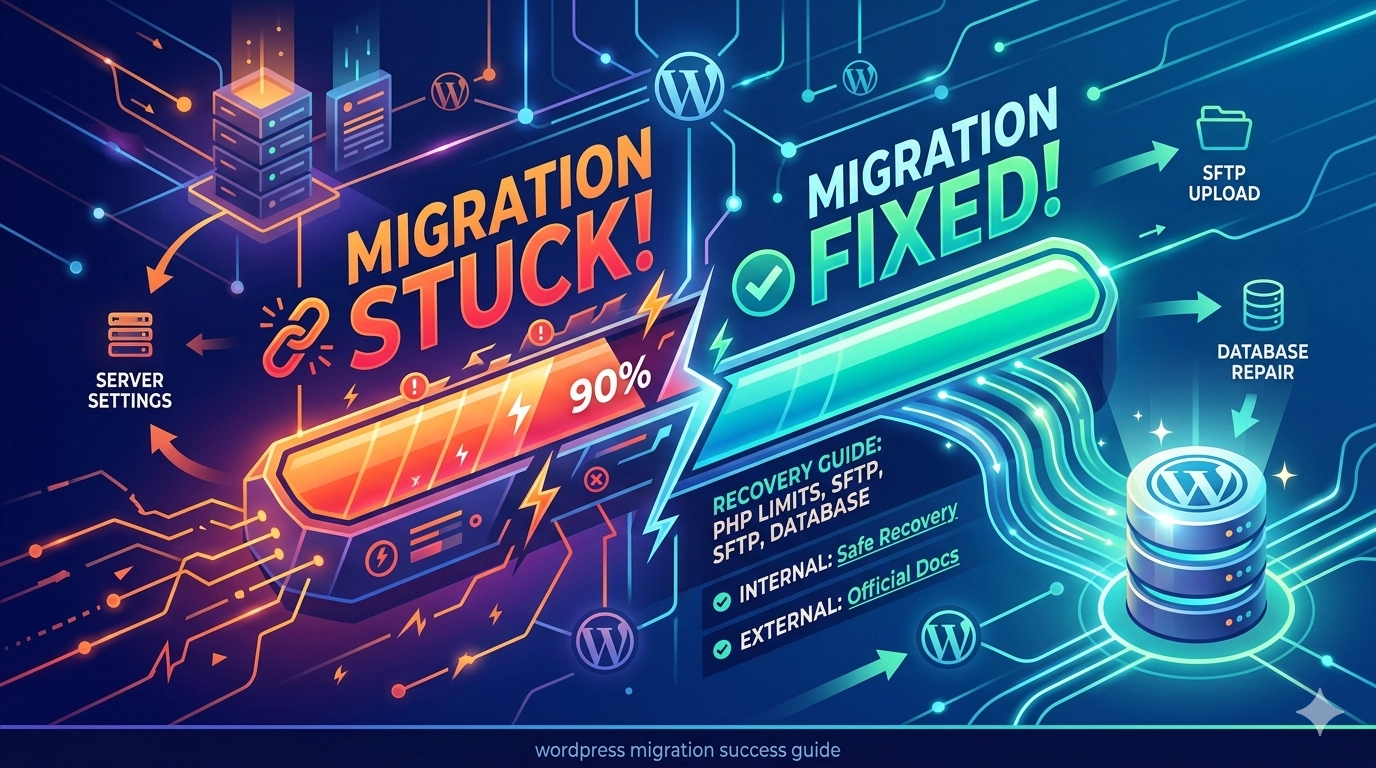
Moving your website to a new host should be an exciting milestone, but it often turns into a technical nightmare when the progress bar stops moving. If you are trying to fix WordPress migration stuck or failed errors, you are likely dealing with server resource limits or file integrity issues. Whether you are using a…
How to Fix a WordPress Website Without Losing Data: The Ultimate Safe Recovery Guide
Every WordPress user eventually faces the “White Screen of Death,” a plugin conflict, or a critical error that brings their site to its knees. When this happens, the primary fear isn’t just the downtime—it’s the risk of losing months of content, images, and SEO progress. If you are currently trying to fix a WordPress website…
How to Audit a Broken WordPress Website
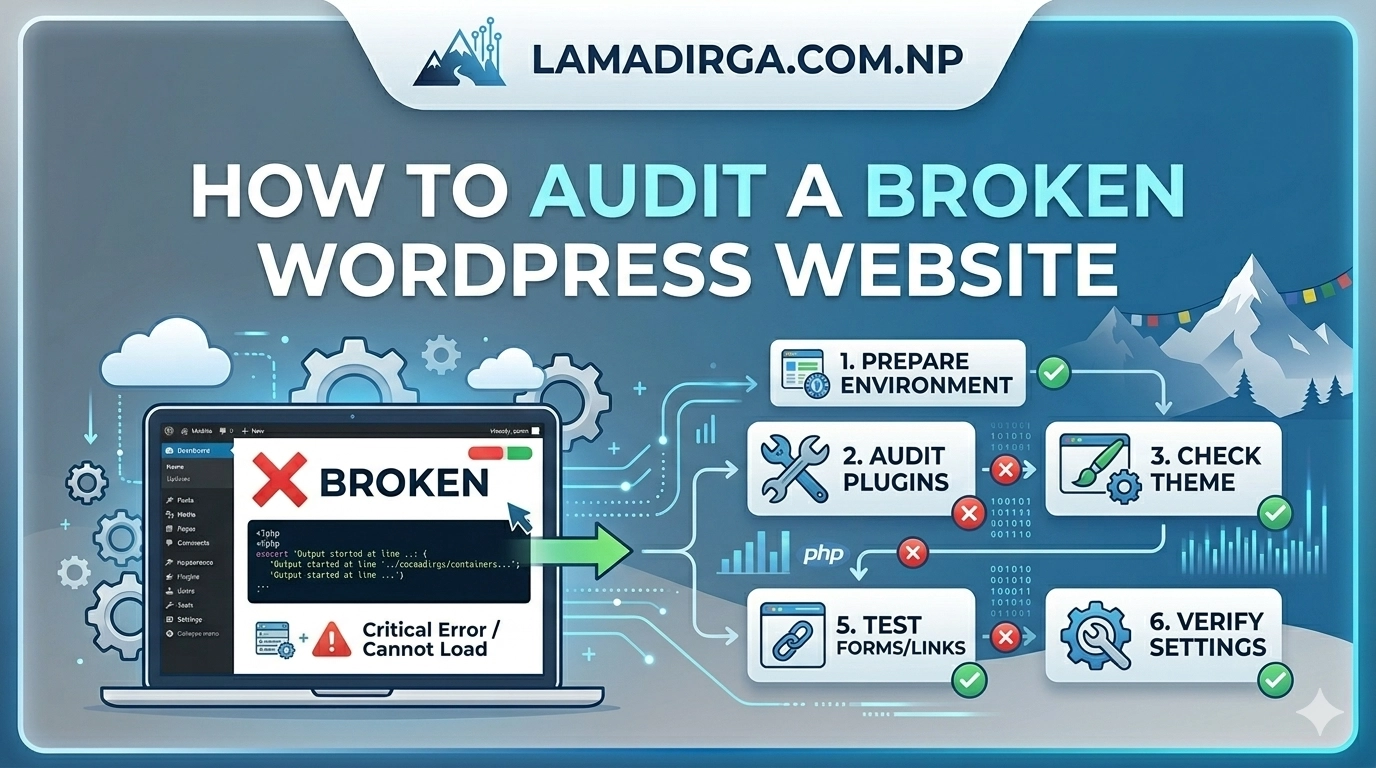
There is nothing quite as stressful for a site owner as waking up to a “Critical Error” message or a layout that has completely fallen apart. When your site stops functioning, the first instinct is often to start changing settings at random, but this can often make matters worse. If you want to restore your…
How to Fix “Headers Already Sent” Error in WordPress
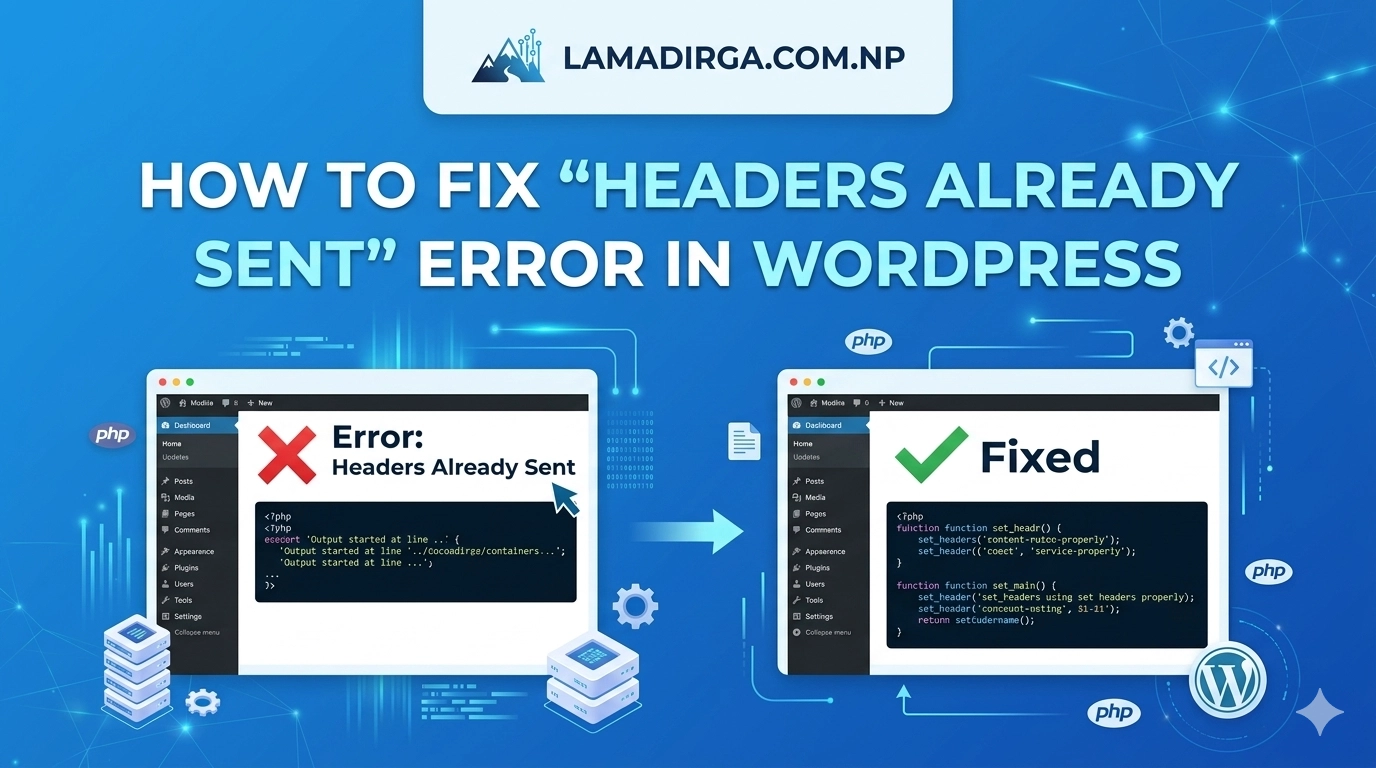
Few things are more intimidating to a website owner than seeing a line of PHP code splashed across a white screen instead of your beautiful website. If you are currently staring at a message that says “Warning: Cannot modify header information,” you are likely looking for how to fix “Headers Already Sent” error in WordPress….
How to Fix REST API Not Working in WordPress
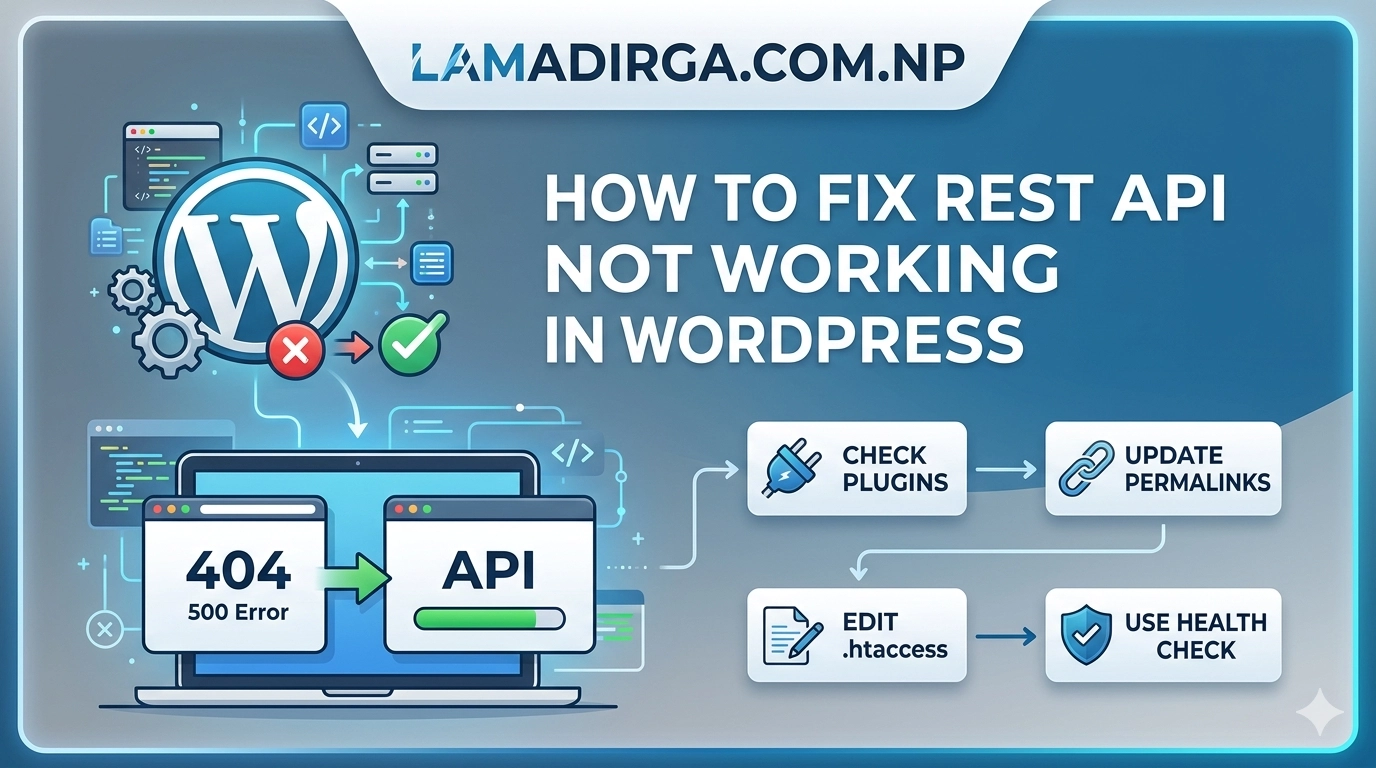
The WordPress REST API is the silent engine that powers modern features like the Gutenberg block editor, Site Health monitoring, and many third-party integrations. However, when it malfunctions, you might see errors like “The editor has encountered an unexpected error” or “Updating failed.” If you are trying to understand how to fix REST API not…