
Dirga Raj Lama
Web Developer
All posts by Dirgaraj
How to Remove Malware from WordPress Site: 7-Step Recovery Guide
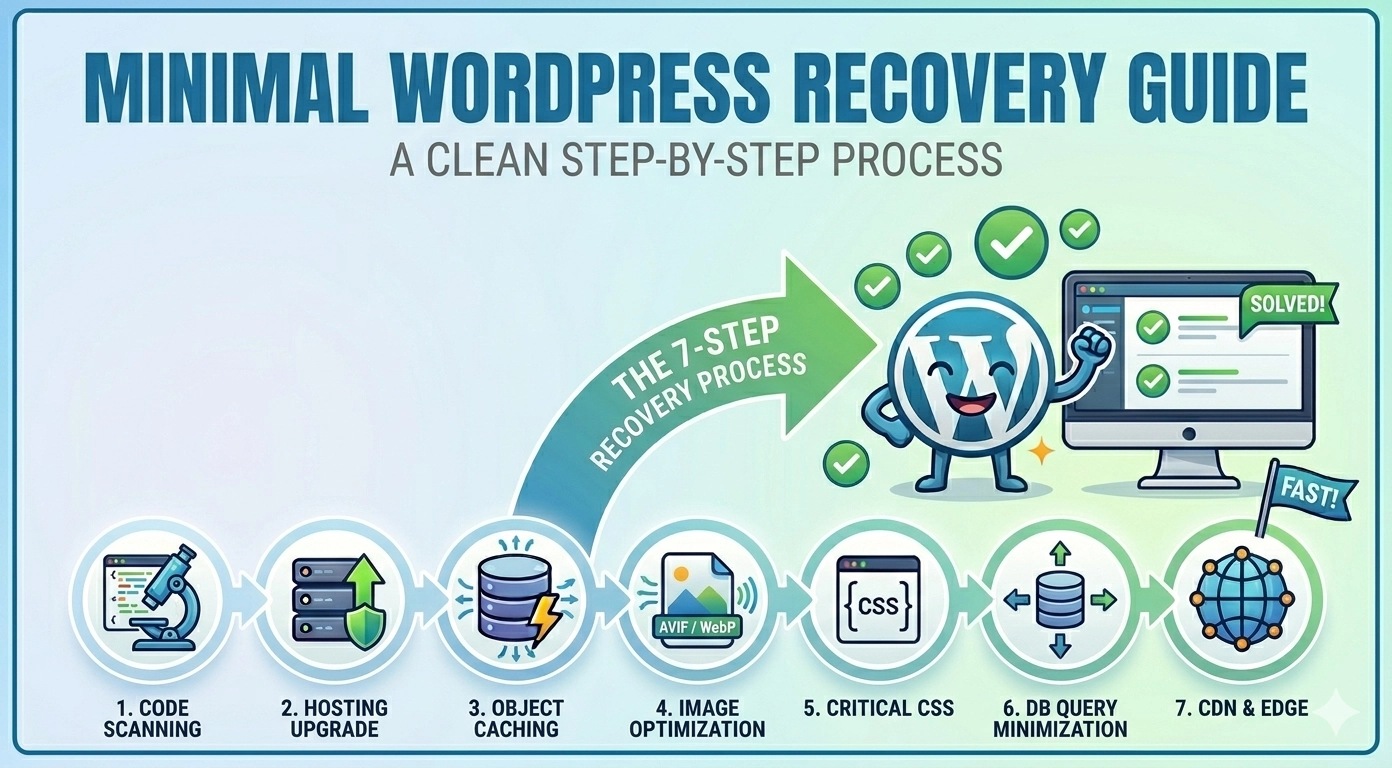
Discovering your website has been compromised is a digital nightmare. Learning how to remove malware from WordPress site immediately becomes your top priority, as malicious code can steal data, destroy your SEO rankings, and infect your visitors. A hacked site often shows symptoms like Google “Red Screen” warnings, unexpected redirects, or strange files appearing in…
How to Fix Slow WordPress Website (Step-by-Step) Guide for 2026
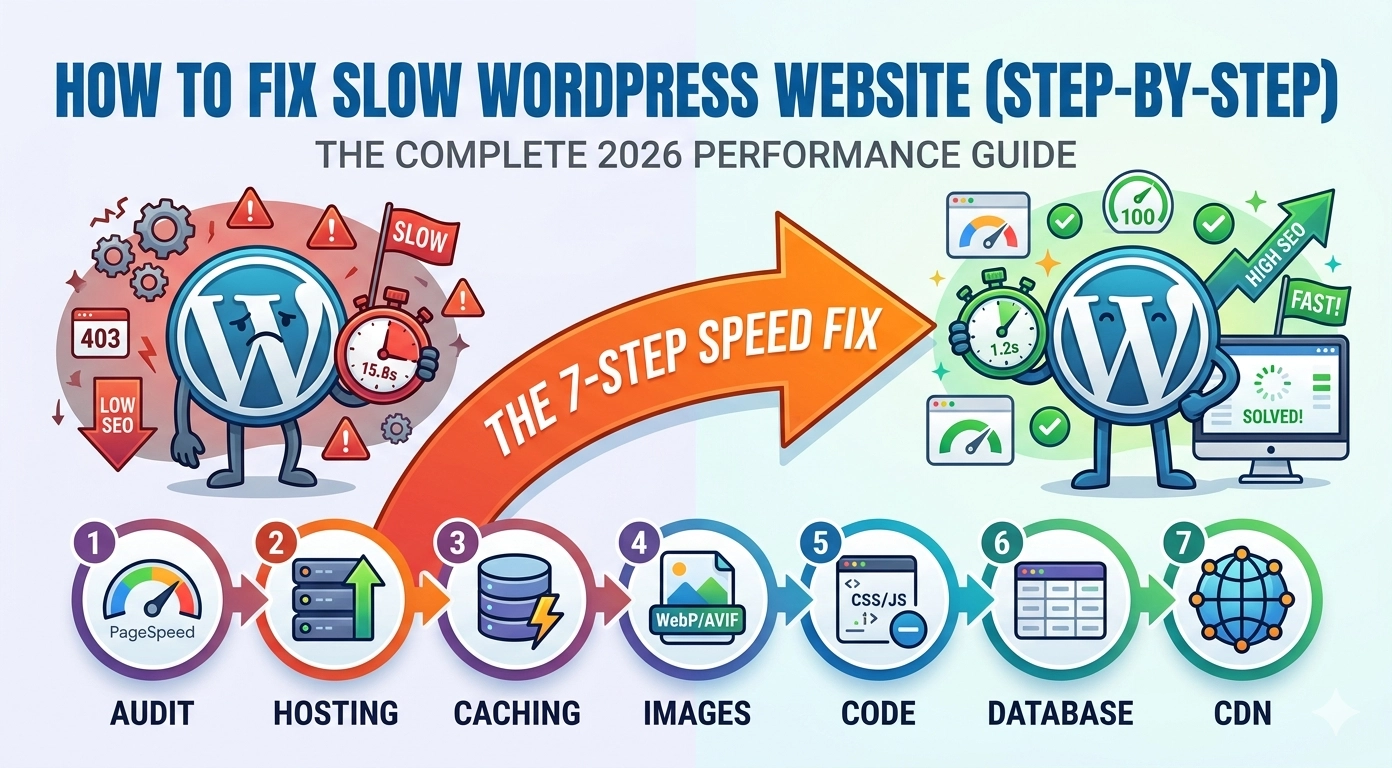
In the fast-paced digital world of 2026, a one-second delay can be the difference between a new customer and a bounced visitor. Learning how to fix slow WordPress website (step-by-step) is no longer just a “nice-to-have” skill—it is a business necessity. Google’s Core Web Vitals, specifically metrics like Interaction to Next Paint (INP) and Largest…
How to Fix 403 Forbidden Error in WordPress: A Step-by-Step Guide
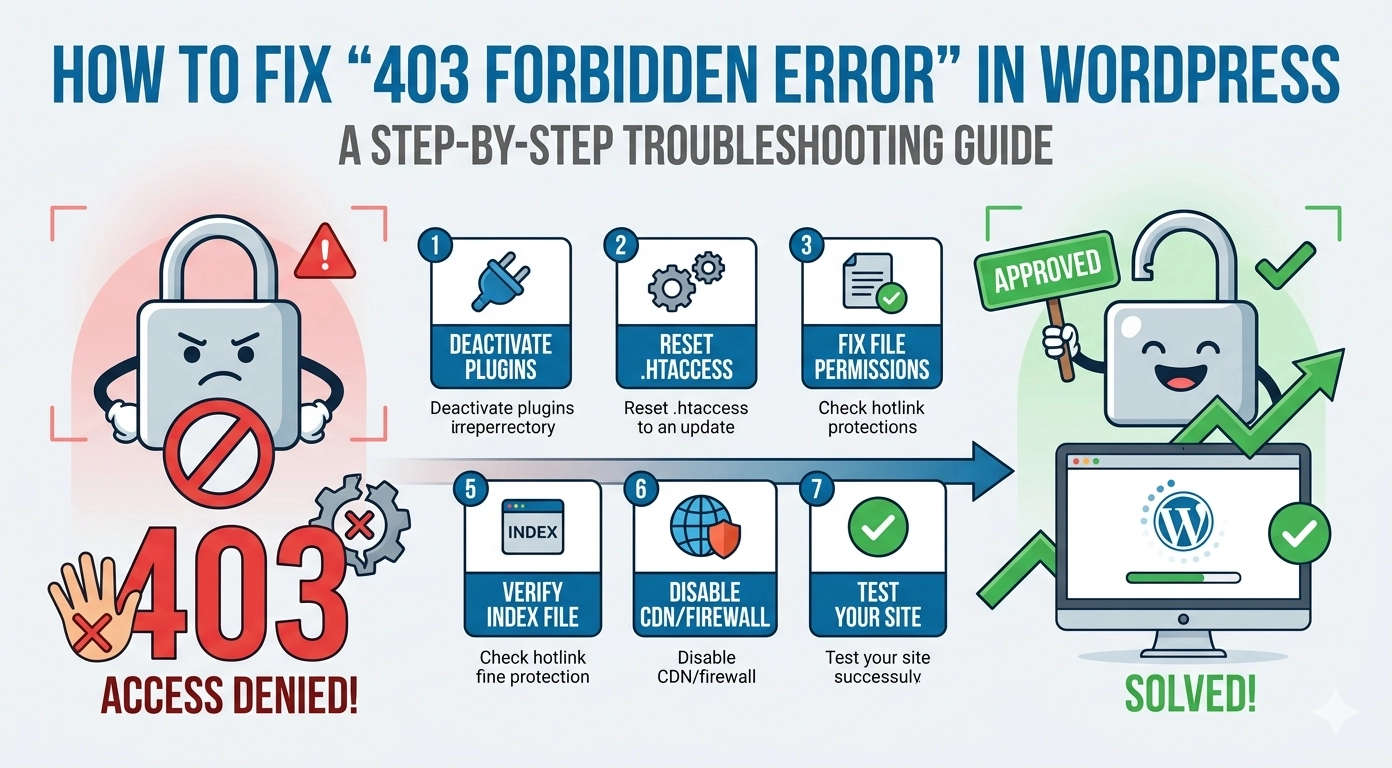
Few things are more jarring than navigating to your website only to be met with a cold, “Access Denied” message. Learning how to fix 403 Forbidden error in WordPress is a critical skill for any site owner because this error effectively locks out both you and your visitors. A 403 error occurs when your server…
How to Fix WordPress Not Sending Emails (9 Proven Methods)
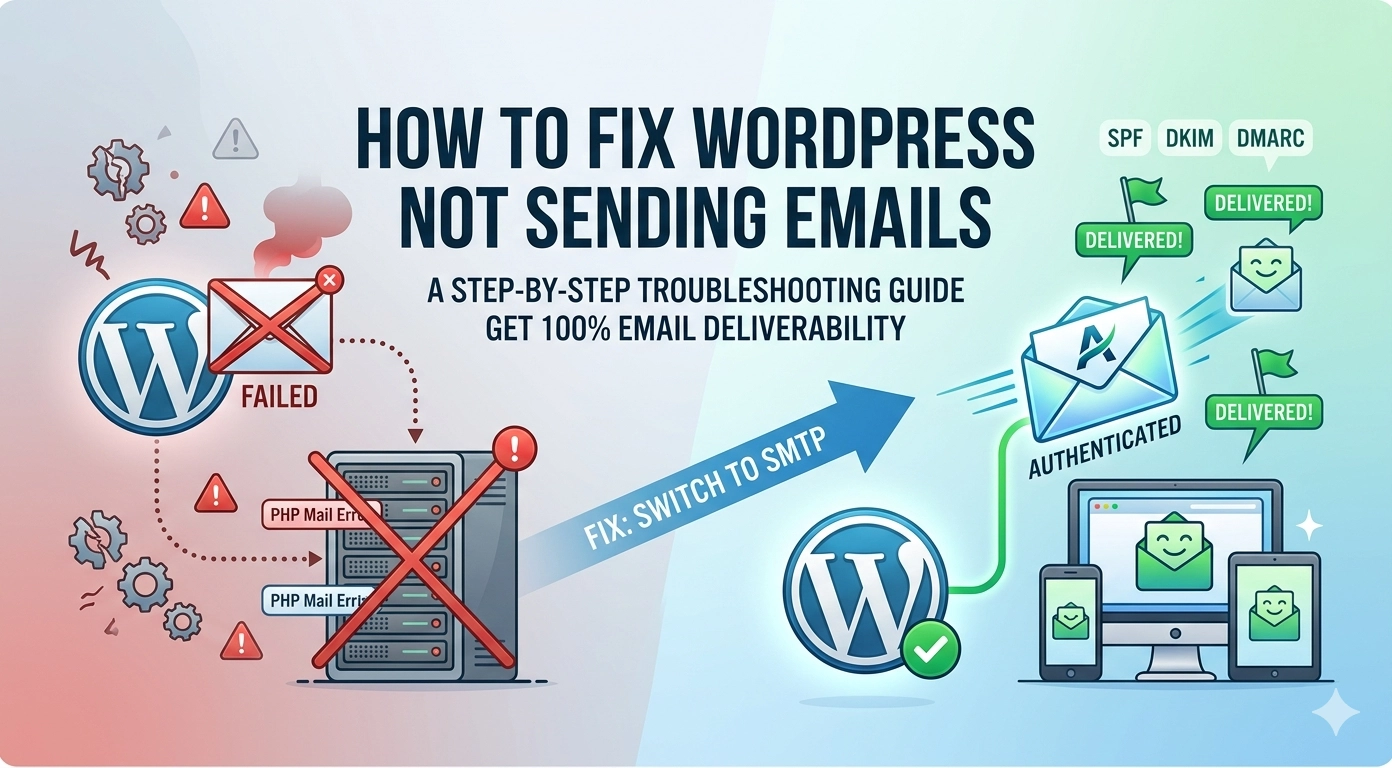
How to Fix WordPress Not Sending Emails: 9 Proven Methods Few things are more frustrating than discovering your contact form submissions never arrived, or your customers are not receiving their order confirmations. If your How to Fix WordPress Not Sending Emails problem has been hurting your business, you are not alone. This is one of…
Custom Post Types in WordPress: Complete Guide

WordPress is powerful out of the box, but what if you need to manage portfolios, reviews, events, or team members separately from standard posts and pages? That is exactly where WordPress custom post types come into play. In this complete guide, I will walk you through everything you need to know about creating and managing WordPress custom post…
How to Secure a WordPress Website in 2026: 10 Essential Steps

Why Advanced Security Measures are Crucial in 2026 In 2026, automated botnets, sophisticated phishing attacks, and zero-day vulnerabilities in themes and plugins are more common than ever. Traditional, reactive security measures are no longer sufficient. Implementing robust, multi-layered defenses is critical to protecting your data, your users’ information, and maintaining your search engine rankings. A…
WordPress Speed Optimization: The Ultimate Beginner’s Guide (2026)
Why Speed Matters for Your WordPress Site Before diving into the “how,” it is important to understand the “why.” Google uses page speed as a ranking factor. Furthermore, studies show that most users will abandon a site if it takes longer than three seconds to load. Effective WordPress speed optimization ensures that your visitors stay…
Laravel vs Node.js: Complete Comparison for Beginners (2026 Guide)
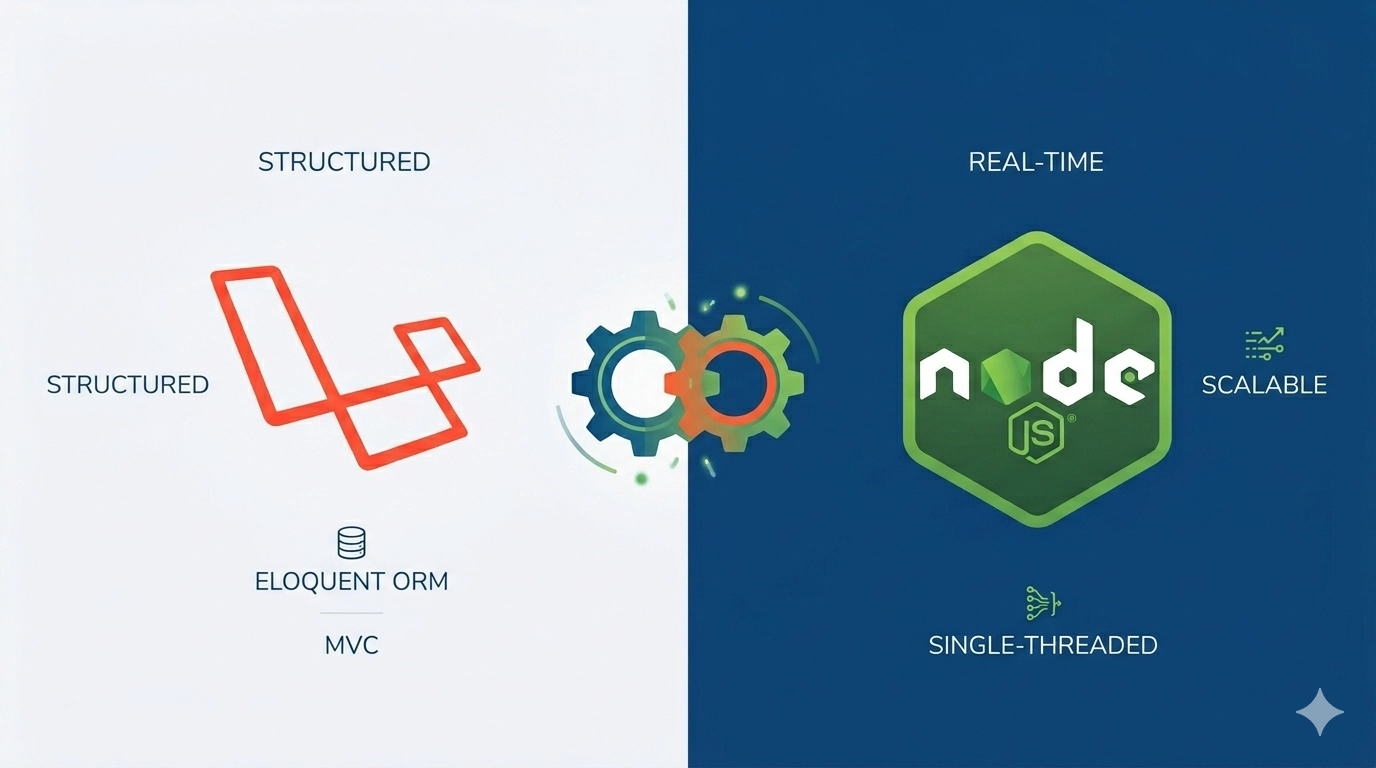
If you are stepping into the world of web development in 2026, you have likely encountered a massive roadblock: Should I learn Laravel or Node.js? Both are powerhouse technologies used by giants like Tesla (Laravel) and Netflix (Node.js). However, they serve different purposes and cater to different types of developers. In this Laravel vs Node.js: Complete Comparison,…
Canonical URLs: SEO Best Practices, Common Issues, and How to Fix Them
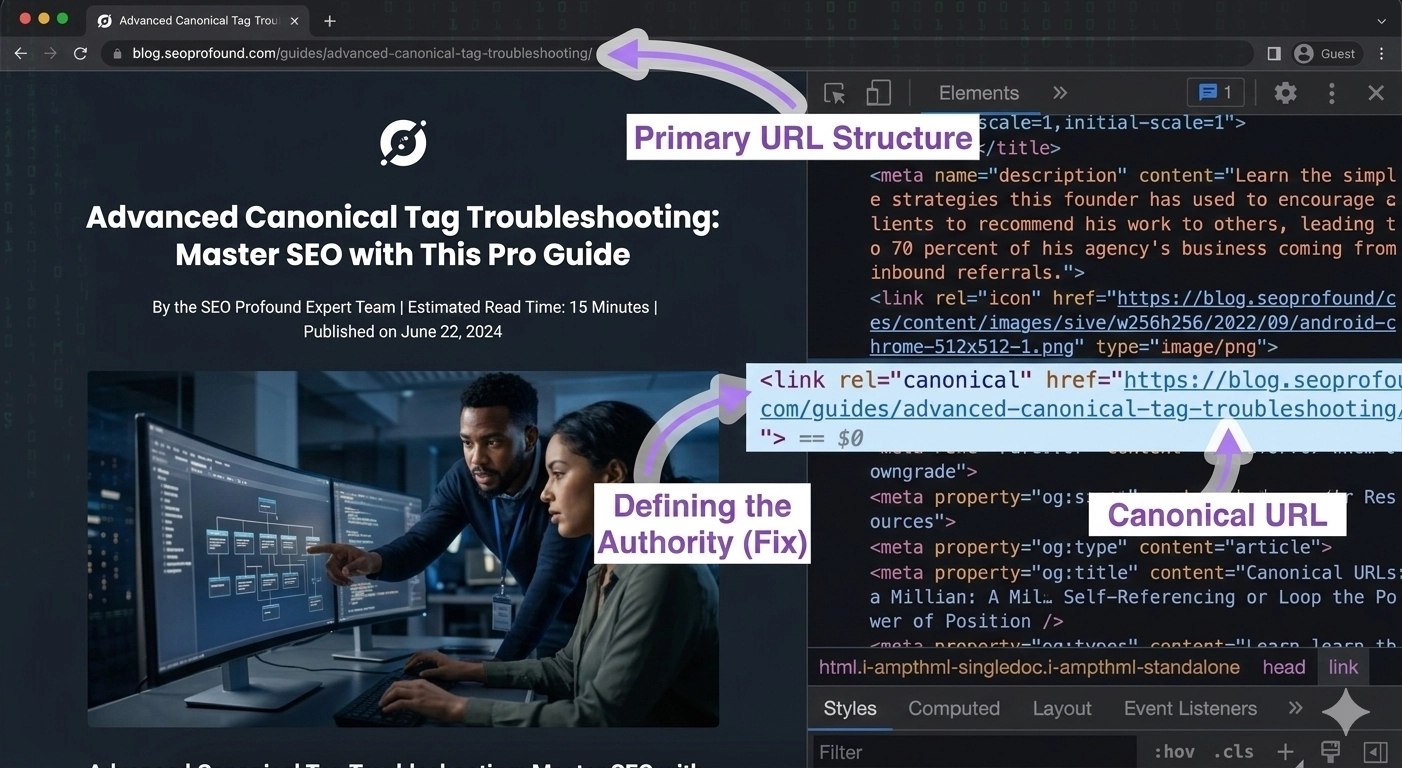
When managing a website, duplicate content can become a serious problem for search engine rankings. Search engines may struggle to determine which version of a page should be indexed or ranked. This is where Canonical URLs SEO becomes essential. Canonical URLs help search engines understand the preferred version of a webpage when multiple URLs contain…
How to Redirect and Rewrite URLs Using .htaccess (Step-by-Step Guide)
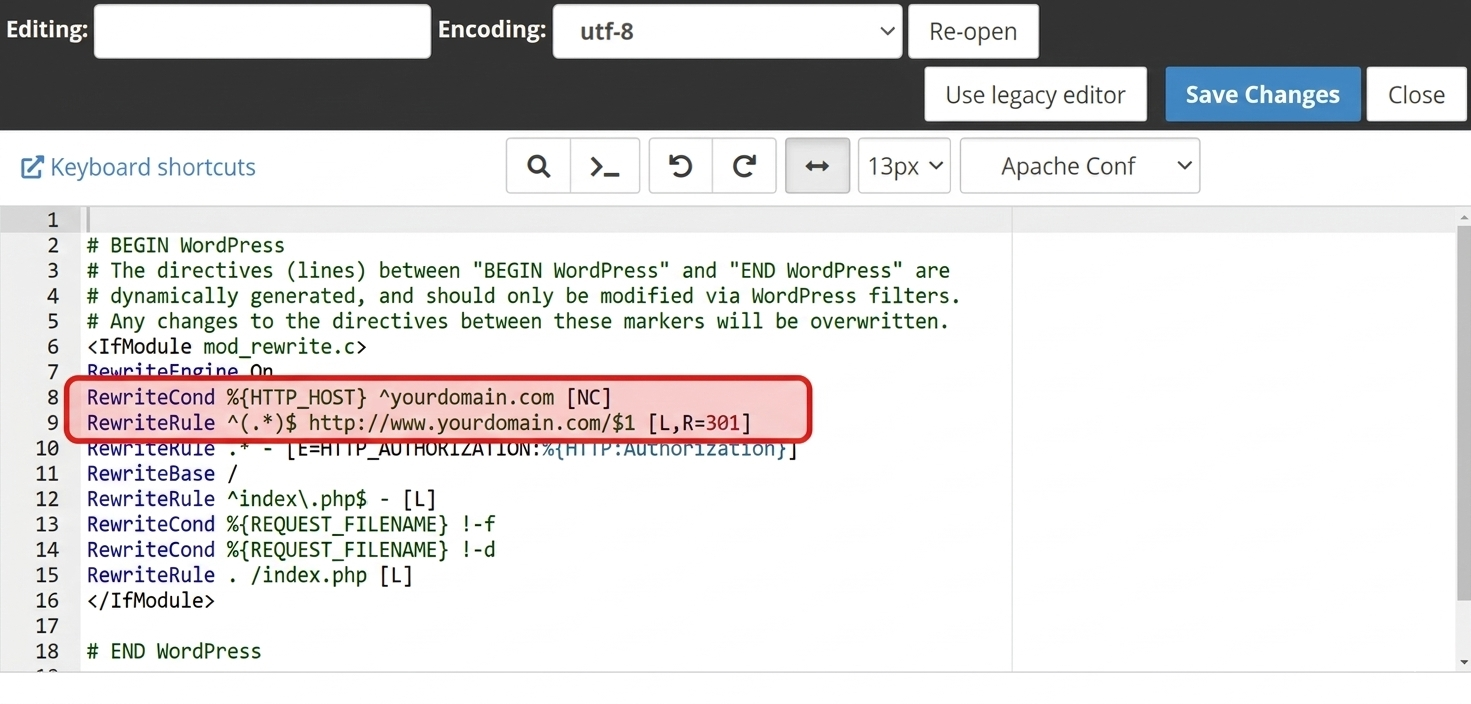
Managing URLs properly is an important part of maintaining a website. Clean URLs improve user experience, help search engines understand your content, and prevent broken links. One of the most powerful tools for handling this on Apache servers is the .htaccess URL redirect and rewrite feature. The .htaccess file allows website owners and developers to…