
Dirga Raj Lama
Web Developer
How to Write SEO-Friendly Blog Posts in WordPress
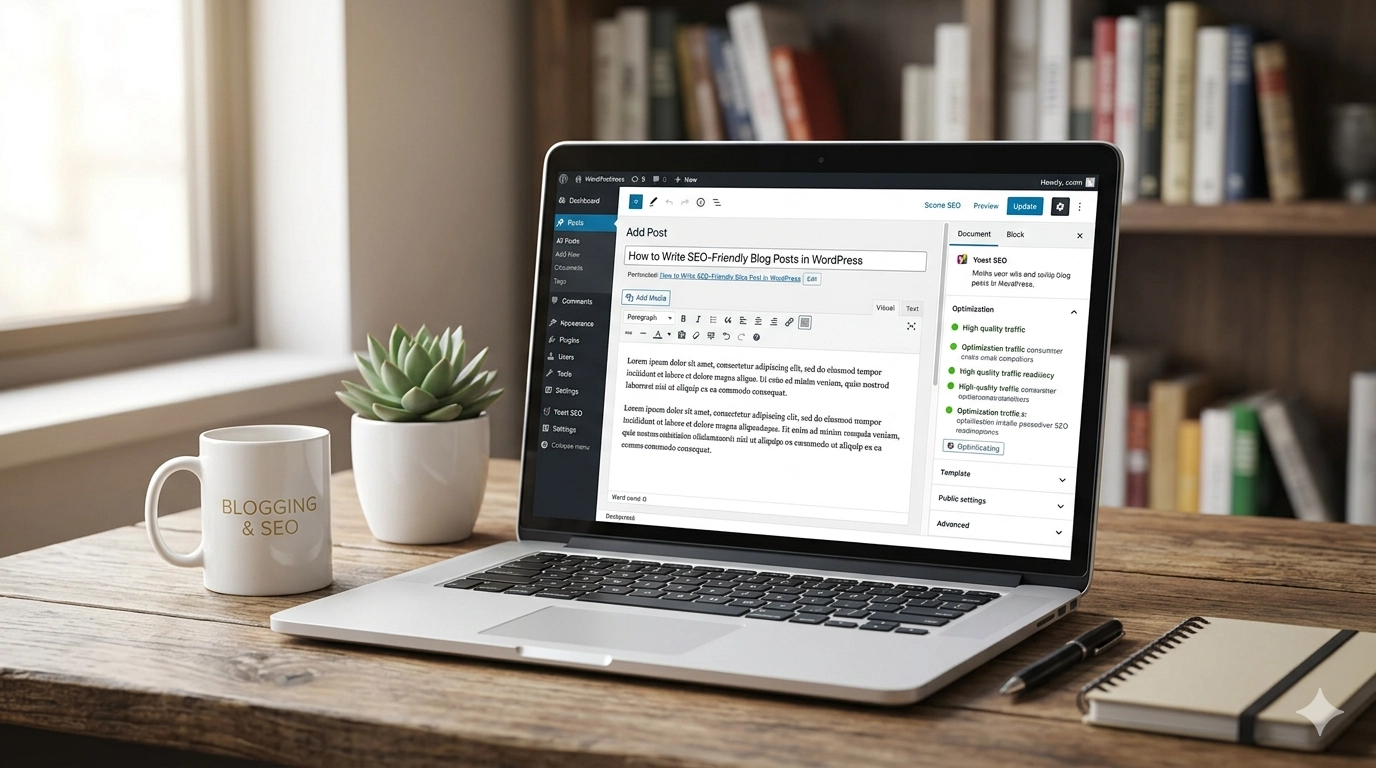
Creating high-quality content is only half the battle; the other half is ensuring people can actually find it. If you want your website to gain traction, you must understand how to write SEO-friendly blog posts in WordPress. By blending clear writing with technical optimization, you can improve your search engine rankings, drive organic traffic, and provide a better experience for your readers. In this guide, we will break down the essential steps to mastering WordPress SEO for every post you publish.
1. Start with Keyword Research
Before you type a single word, you need to know what your audience is searching for. Tools like Google Keyword Planner, Ahrefs, or Semrush are invaluable for finding terms that have a high search volume but manageable competition.
Don’t just chase “head terms” (short, broad keywords). Long-tail keywords—phrases that are three or more words long—often convert better because they target specific user intent. Once you have your primary keyword, identify 3-4 secondary keywords that are contextually related to help search engines understand the breadth of your topic.
2. Optimize Your Title and Headers
Your title is the first thing both Google and readers see. It should be catchy, but more importantly, it must contain your focus keyword near the beginning.
Once inside the post, use a clear heading hierarchy:
-
H1 Tag: Reserved for your main title.
-
H2 Tags: For your main sections.
-
H3 Tags: For sub-points within those sections.
Using headers correctly makes your content “scannable.” Most readers skim through articles to find the information they need; headers acting as signposts keep them on the page longer, which reduces your bounce rate and signals to Google that your content is valuable.
3. Mastering the WordPress Block Editor
WordPress makes SEO easier with its Gutenberg (Block) editor. Each block—whether it’s a paragraph, image, or heading—can be optimized.
One of the most critical technical aspects is the Permalinks (URL structure). Instead of a URL like yoursite.com/?p=123, change your settings to “Post Name.” This allows your URL to be descriptive, such as yoursite.com/write-seo-friendly-blog-posts-wordpress/. A clean URL that contains your keyword is a significant ranking factor.
4. Use SEO Plugins Effectively
While WordPress is SEO-friendly out of the box, plugins like Yoast SEO, Rank Math, or All in One SEO take it to the next level. These tools provide a real-time checklist for your post. They will remind you to:
-
Include your keyword in the first paragraph.
-
Check keyword density (don’t overdo it!).
-
Add a meta description that encourages clicks.
-
Check the “Readability” score to ensure your sentences aren’t too complex.
5. Optimize Your Images
Images make blog posts engaging, but they can also slow down your site if they aren’t optimized. Large image files are a leading cause of slow loading speeds, and Google penalizes slow websites. To ensure your site remains lightning-fast, you should follow a comprehensive WordPress Speed Optimization Guide to keep your performance scores high. Use tools like TinyPNG or plugins like Smush to compress files without losing quality.
6. Internal and External Linking
A well-optimized post doesn’t exist in a vacuum.
-
Internal Links: Link to older posts on your own site. This keeps users on your site longer and helps search engines crawl your pages more effectively.
-
External Links: Linking to high-authority, reputable sources (like Wikipedia or official industry sites) shows Google that you have done your research and are providing verified information to your readers.
7. Focus on Content Length and Quality
While there is no “magic number” for word count, longer content generally performs better in search results because it tends to be more comprehensive. Aim for at least 800 to 1,200 words for deep-dive topics. However, never sacrifice quality for quantity. Google’s algorithms are sophisticated enough to detect “keyword stuffing” or “fluff.” Write for humans first, and then optimize for bots.
8. Mobile Responsiveness and Speed
Most WordPress themes today are responsive, but you should always double-check how your post looks on a smartphone. With Google’s mobile-first indexing, the mobile version of your site is the baseline for how rankings are determined. Ensure your buttons are easy to click and your text is legible on small screens.
9. Engagement and Social Sharing
Search engines look for “social signals.” Make it easy for readers to share your content by adding social sharing buttons. At the end of your post, include a Call to Action (CTA). Ask a question or encourage readers to leave a comment. High engagement tells search engines that your content is resonant and relevant.
Conclusion
Learning how to write SEO-friendly blog posts in WordPress is a skill that pays off in the long run. By performing diligent keyword research, structuring your post with proper headers, optimizing your media, and using the right plugins, you create a foundation for sustainable organic growth. SEO isn’t a one-time task—it’s a habit. Start applying these steps today, and watch your WordPress site climb the search engine results pages.