
Dirga Raj Lama
Web Developer
Why Your Coding Blog Isn’t Getting Traffic (and How to Fix It)
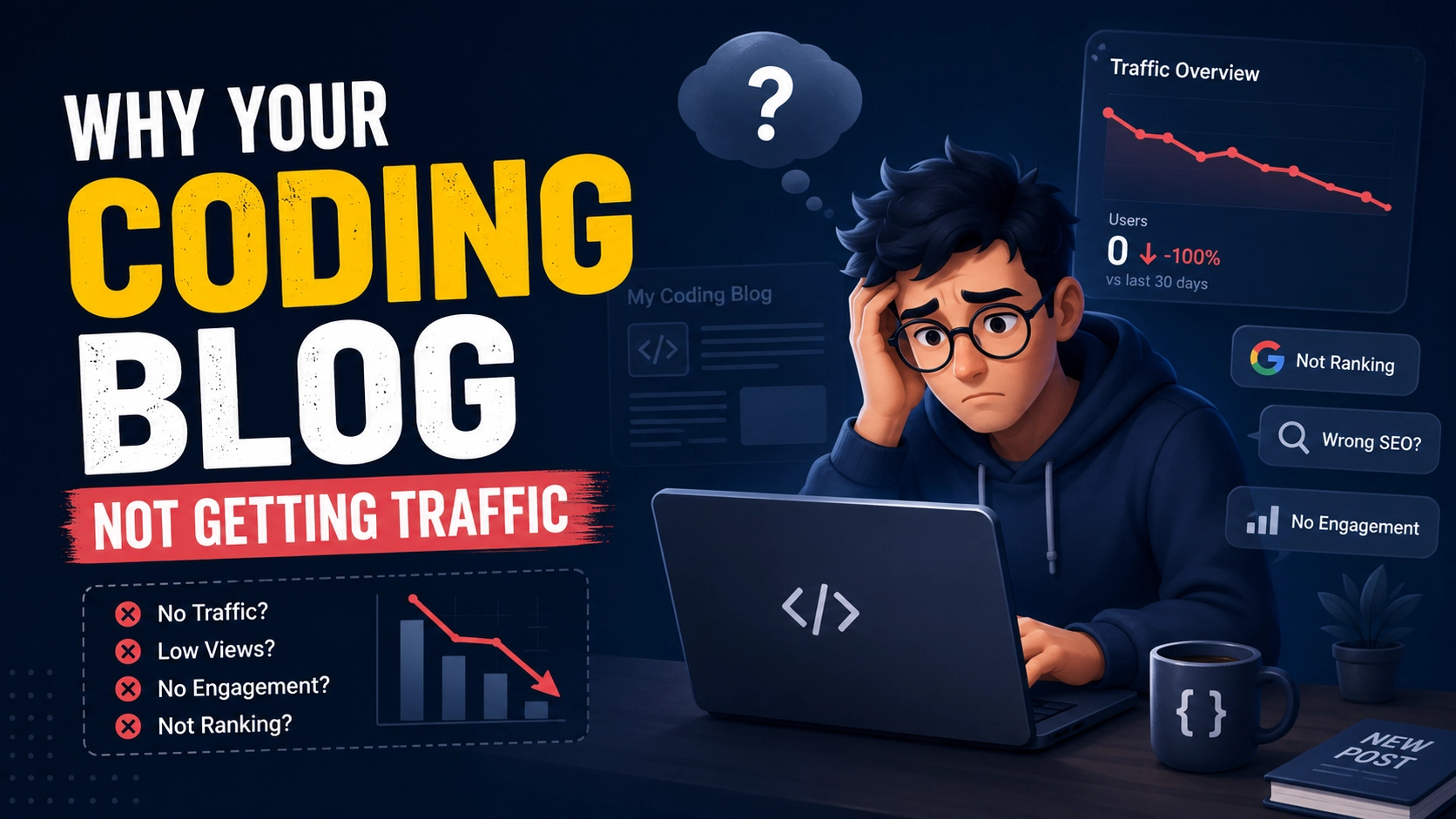
You write detailed tutorials, share code snippets, and publish consistently. Yet your Google Analytics shows a handful of visitors each day—mostly you and your mom. It’s frustrating, and you’re not alone. Thousands of coding blogs launch every month, but most never gain traction. The harsh truth is that writing great code tutorials isn’t enough. If your coding blog not getting traffic, there’s usually a fixable reason. In this guide, I’ll break down the five most common mistakes coding bloggers make in 2026 and show you exactly how to turn your blog into a traffic magnet.
Mistake #1: You’re Ignoring SEO Fundamentals
Many developers think SEO is “fluff” or something for marketing people. But if your coding blog not getting traffic, poor SEO is likely the #1 culprit. Technical content is actually perfect for SEO because developers search for specific problems with specific syntax.
The Fix:
- Do keyword research – Use tools like Ubersuggest or Answer The public to find what developers are searching for (e.g., “React useEffect cleanup” vs. just “React hooks”).
- Include the keyword in your title, headings, and first paragraph—exactly as we’re doing here.
- Write descriptive meta descriptions – they improve click-through rates from search results.
- Use internal linking – link to your other relevant posts to keep readers on your site.
- Add schema markup—for code snippets, tutorials, and articles.
For a deeper dive, check out our internal guide on technical SEO for developer blogs.
Mistake #2: Your Content Is Too Generic
If you’re writing “How to install Node.js” or “What is React?” in 2026, you’re competing against thousands of identical posts. Generic content rarely ranks because established sites already dominate those keywords. When your coding blog not getting traffic, it’s often because you’re covering topics that have been done to death.
The Fix:
- Target specific, underserved niches – e.g., “How to debug memory leaks in Next.js 15” instead of “Next.js tutorial.”
- Write about new features—when Laravel 12, React 19, or PHP 8.4 is released, be among the first to cover them.
- Solve unique problems – document errors you encountered that had no Stack Overflow answer.
- Create “ultimate guides” – comprehensive resources that become the go-to reference.
Mistake #3: You’re Not Promoting Your Content
Build it and they will come? Not in 2026. If your coding blog isn’t getting traffic, it’s likely because you’re publishing and praying. No promotion means no visibility.
The Fix:
- Share on developer communities – Reddit (r/laravel, r/reactjs, r/webdev), Dev.to, Hashnode, and relevant Facebook groups.
- Post on LinkedIn and X (Twitter) – use relevant hashtags and tag influencers.
- Repurpose your content – turn tutorials into YouTube videos, Twitter threads, or LinkedIn carousels.
- Engage in forums – answer questions on Stack Overflow and link to your blog when it genuinely helps.
- Build an email list – send weekly digests of your best posts.
Mistake #4: Your Site Is Too Slow or Unpleasant to Read
Developers are impatient. If your site takes more than 2 seconds to load or has intrusive pop-ups, they’ll bounce immediately. A high bounce rate tells Google that your content isn’t valuable, which hurts your rankings. When your coding blog isn’t getting traffic, poor user experience could be the silent killer.
The Fix:
- Optimize images – use WebP format and lazy loading.
- Use a fast hosting provider – consider VPS or managed WordPress hosting.
- Minimize JavaScript and CSS – use a caching plugin if on WordPress.
- Choose a clean, readable theme – use a dark mode option for developers.
- Avoid pop-pop-ups—especiallymobile.
For performance tips, Google’s PageSpeed Insights documentation is an excellent external resource to benchmark your site.
Mistake #5: You’re Not Building Backlinks
Backlinks remain one of the top three ranking factors. If no one links to your blog, Google assumes it’s not authoritative. When your coding blog not getting traffic, a lack of backlinks is almost always a factor.
The Fix:
- Guest post on established coding blogs (e.g., SitePoint, TutsPlus, Laravel News).
- Create linkable assets – cheat sheets, boilerplates, or open-source packages that others want to reference.
- Reach out to bloggers who mention similar topics and suggest your tutorial as additional resource.
- Submit to resource lists – many coding blogs maintain “best tutorials” roundups.
For a complete strategy, read our internal guide on building backlinks for coding blogs.
A Quick Checklist to Diagnose Your Traffic Problem
| Symptom | Likely Cause | Action |
|---|---|---|
| Pages are indexed but rank low | Weak SEO (keywords, structure) | Optimize on-page SEO and update content |
| Good rankings but low clicks | Poor meta titles/descriptions | Rewrite titles to include numbers, questions, or benefits |
| High bounce rate | Slow site or poor readability | Speed up and improve typography/formatting |
| Zero external links | No promotion or outreach | Start guest posting and sharing in communities |
| Few returning visitors | No email list or newsletter | Start collecting emails immediately |
Conclusion
If your coding blog not getting traffic, don’t give up. Start by diagnosing which of these five mistakes applies to you: ignoring SEO, writing generic content, skipping promotion, neglecting user experience, or missing backlinks. Pick one area—like fixing your keyword research or writing a guest post—and implement it this week. Traffic won’t double overnight, but with consistent effort, you’ll see steady growth.
Need personalized help with your blog’s SEO or technical setup? Feel free to contact our team here for expert advice.