
Dirga Raj Lama
Web Developer
How to Fix HTTPS & SSL Issues: A Comprehensive Guide
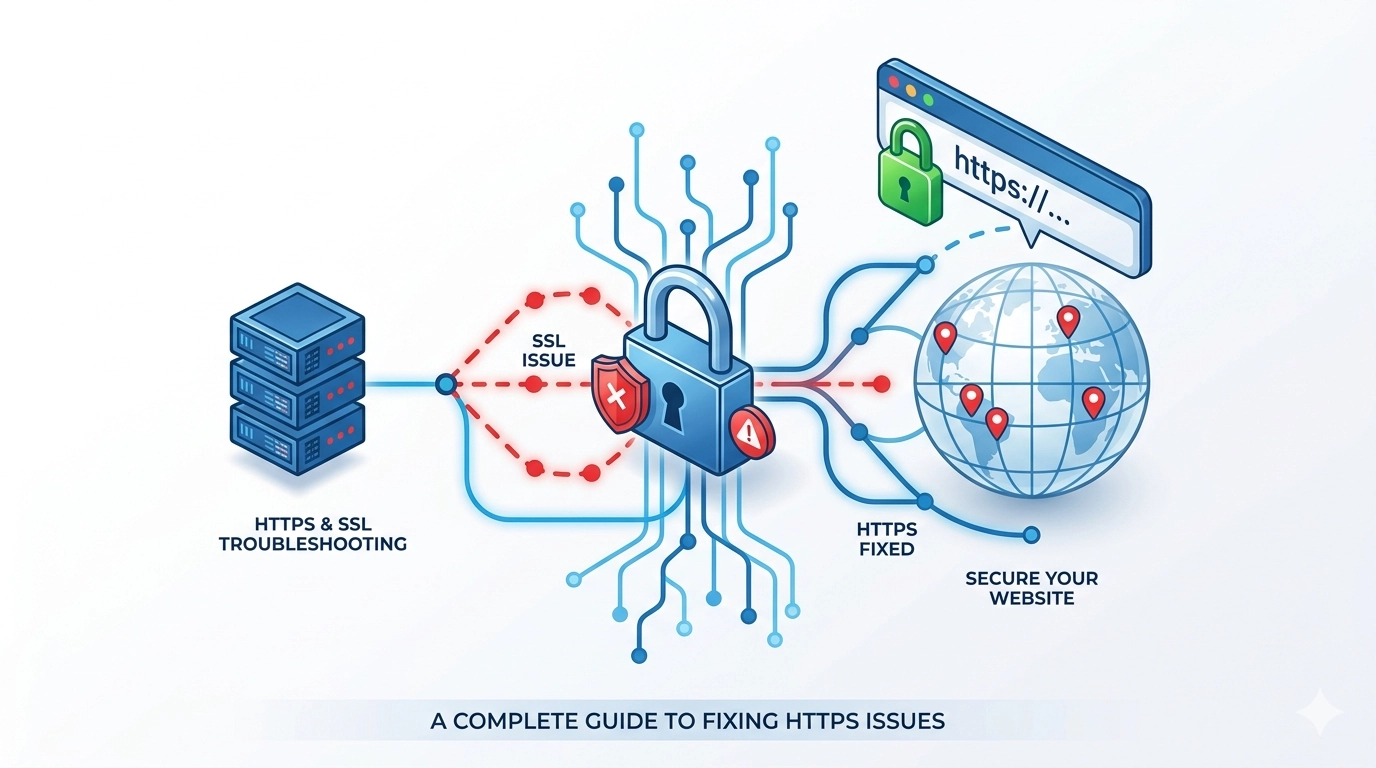
In today’s digital landscape, website security is no longer optional. If your visitors see a “Your connection is not private” warning, they will likely leave your site before it even loads, damaging your traffic and reputation. Learning how to fix HTTPS & SSL issues is essential for maintaining a secure environment and ensuring your site remains favored by search engines like Google. This guide explores the most common SSL errors and provides actionable steps to resolve them.
1. Understanding SSL Certificate Errors
An SSL (Secure Sockets Layer) certificate encrypts the data traveling between a user’s browser and your server. When this process fails, browsers trigger warnings. Common causes include faulty installations, where the private key or intermediate certificates are missing, or using a Certificate Authority (CA) that major browsers no longer trust.
2. Fix Expired SSL Certificates
SSL certificates have a limited lifespan, and as of 2024, many new certificates are only valid for 90 days. An expired certificate is one of the most frequent causes of HTTPS errors.
- The Fix: Purchase a renewal through your provider and install the new certificate immediately.
- Pro Tip: Enable auto-renewal or use automated tools like Let’s Encrypt to prevent future downtime.
3. Resolving Mixed Content Warnings
Mixed content occurs when a secure HTTPS page tries to load resources (like images, scripts, or stylesheets) over an insecure HTTP connection. This creates a vulnerability that browsers often block.
-
The Fix: Use browser developer tools (F12) to identify insecure links. Update these hard-coded links from
<span class="citation-46">http://</span>to<span class="citation-46">https://</span>in your website’s source code or database.
4. Correcting Name Mismatch Errors
A name mismatch error happens when the domain name on the SSL certificate does not exactly match the domain in the address bar. This often occurs if a certificate covers example.com but not [www.example.com](https://www.example.com).
-
The Fix: Ensure your certificate covers all versions of your domain, including subdomains. You may need to reissue your certificate to include these variations.
5. Updating Outdated Security Protocols
Older protocols like SSL 3.0 or TLS 1.0 are now considered insecure. If your server only supports these outdated versions, modern browsers may refuse to connect.
-
The Fix: Update your server configuration to support TLS 1.2 or TLS 1.3 and disable older, vulnerable protocols.
6. Fixing Incomplete Certificate Chains
For a browser to trust your SSL, it must be able to trace it back to a “root” authority through “intermediate” certificates. If these intermediates are missing, you will see a “not trusted” error.
-
The Fix: Reinstall your SSL certificate and ensure you include the CA bundle or intermediate certificate files provided by your issuer.
Why Fixing SSL Issues Matters for SEO
Beyond security, knowing how to fix HTTPS & SSL issues is a technical SEO necessity. Google uses HTTPS as a ranking signal, meaning secure sites have a competitive advantage. Furthermore, frequent SSL-related downtime can lead to reduced crawl frequency and lost search engine rankings.