
Dirga Raj Lama
Web Developer
How I Recovered a Hacked Website: My Personal Step-by-Step Security Guide
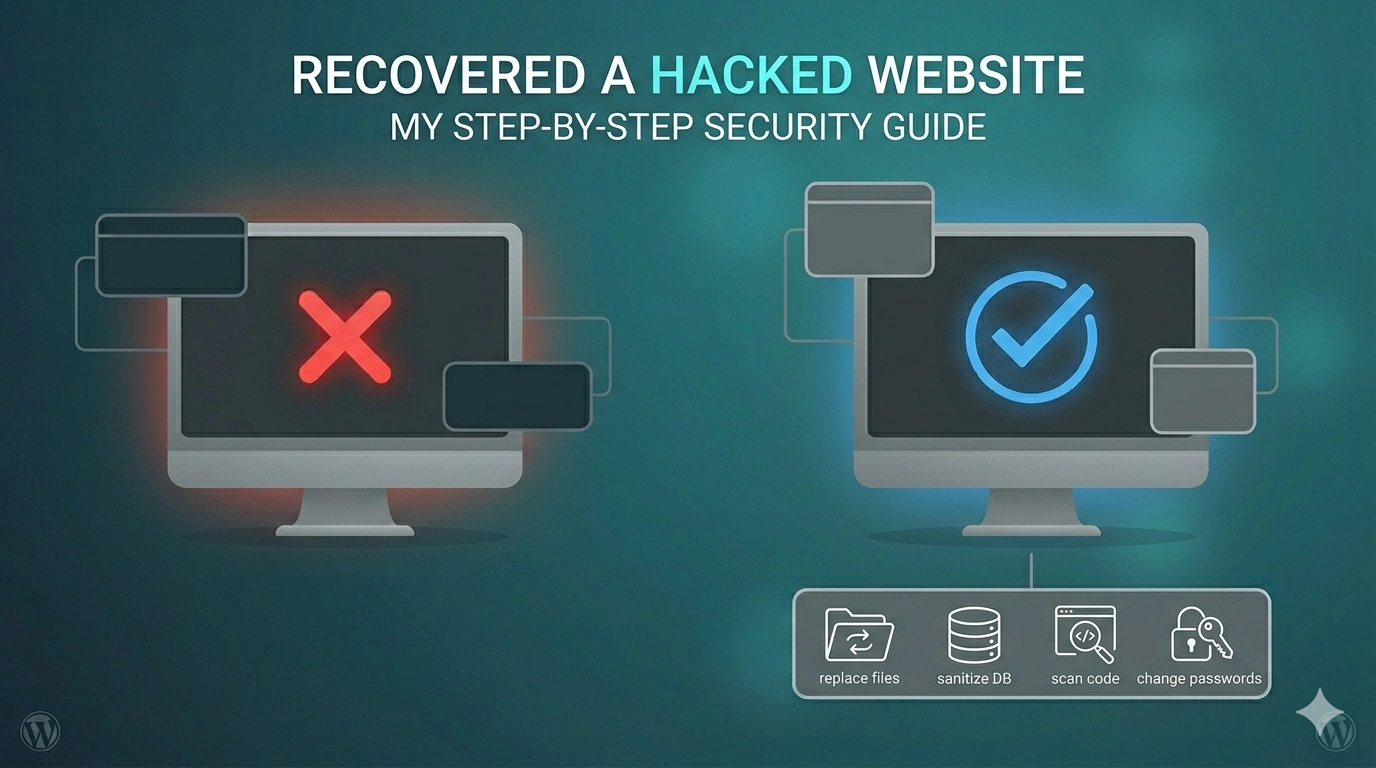
Waking up to find your hard work replaced by spammy links or a “Deceptive Site Ahead” warning is a digital nightmare. Recently, I went through this exact ordeal and successfully recovered a hacked website by following a rigorous, systematic cleanup process. A website hack isn’t just a technical glitch; it is a direct hit to your brand’s reputation and your hard-earned SEO rankings. Whether your site is redirecting to suspicious domains or your server is sending out thousands of spam emails, the path to recovery requires a calm head and a clear plan. In this guide, I will share the technical steps I took to purge malware, secure the backend, and restore the site to its former glory.
1. Initial Triage: Stay Calm and Go Offline
The moment I realized the site was compromised, my first priority was to prevent further damage. When I recovered a hacked website, I started by placing the site into “Maintenance Mode” via a hosting panel. This stops users from being exposed to malicious scripts while you work.
- Change All Passwords: I immediately changed the passwords for the hosting control panel, SFTP accounts, and the WordPress admin dashboard.
- Check for Rogue Users: Look for new administrator accounts you didn’t create. Hackers often leave “backdoor” accounts to regain access later.
2. Scanning for the “Infection”
To effectively say I recovered a hacked website, I had to find where the malicious code was hiding. Hackers love to bury scripts in core files like index.php or within the wp-content/themes folder.
I used a combination of server-side scanners and security plugins. If you are dealing with a particularly stubborn infection, you can learn how to audit a broken WordPress website to identify which files have been modified recently. Pay close attention to files that have a “Last Modified” date that doesn’t match your recent updates.
3. The Cleanup: Replacing Core Files
One of the most reliable ways I recovered a hacked website was by simply replacing the infected files with clean versions.
How to do it safely:
- Download a fresh copy of your CMS (e.g., WordPress) from the official source.
- Delete your existing
wp-adminandwp-includesfolders and replace them with the fresh ones. - Check your
wp-config.phpfor any strange code or unauthorized database credentials.
Replacing core files ensures that even if a hacker modified a deep system file, you have overwritten it with a secure version.
4. Cleaning the Database and Plugins
Malware doesn’t just live in files; it can hide in your database tables as well. While I recovered a hacked website, I found malicious URLs hidden in the wp_options table.
If your database is too large to scan manually, tools like phpMyAdmin allow you to search for common malicious strings. If you encounter issues during this process, such as “Script Timeouts” while trying to handle your SQL data, you might need to fix database import errors in WordPress to ensure your cleaned backup restores properly.
5. Submitting for Review in Google Search Console
Once the site was clean, the “Deceptive Site” warning didn’t just disappear. To finish the job of how I recovered a hacked website, I had to ask Google for a formal review.
Log into Google Search Console, navigate to the “Security & Manual Actions” section, and click on “Security Issues.” I detailed exactly what steps I took—deleting files, changing passwords, and scanning—and submitted the request. Within 24 to 48 hours, the red warning screen was removed. If your site still isn’t showing up in search after the review, you may need to troubleshoot why Google is not indexing your WordPress site.
6. Hardening Security for the Future
The goal isn’t just to fix the problem once; it’s to ensure I never have to say I recovered a hacked website again.
- Install a Firewall: Use a Web Application Firewall (WAF) to block malicious traffic before it hits your server.
- Limit Login Attempts: Prevent “Brute Force” attacks by locking out IP addresses after three failed login attempts.
- Keep Everything Updated: 90% of hacks target outdated plugins and themes. Enable auto-updates for critical security patches.
- Use Two-Factor Authentication (2FA): This is the single most effective way to protect your admin account.
Conclusion
The process of how I recovered a hacked website was a wake-up call regarding the importance of proactive security. While the cleanup was technical and time-consuming, the lessons learned have made my digital presence much stronger in 2026. Security is not a “one and done” task; it is an ongoing commitment to monitoring, updating, and backing up your data. If you stay vigilant and follow a structured recovery plan, you can take back control of your site and keep your visitors safe. For more advanced tips on server-side protection, refer to the Sucuri guide on website security.
Nice.. it’s helpfull content for me