
Dirga Raj Lama
Web Developer
How to Redirect and Rewrite URLs Using .htaccess (Step-by-Step Guide)
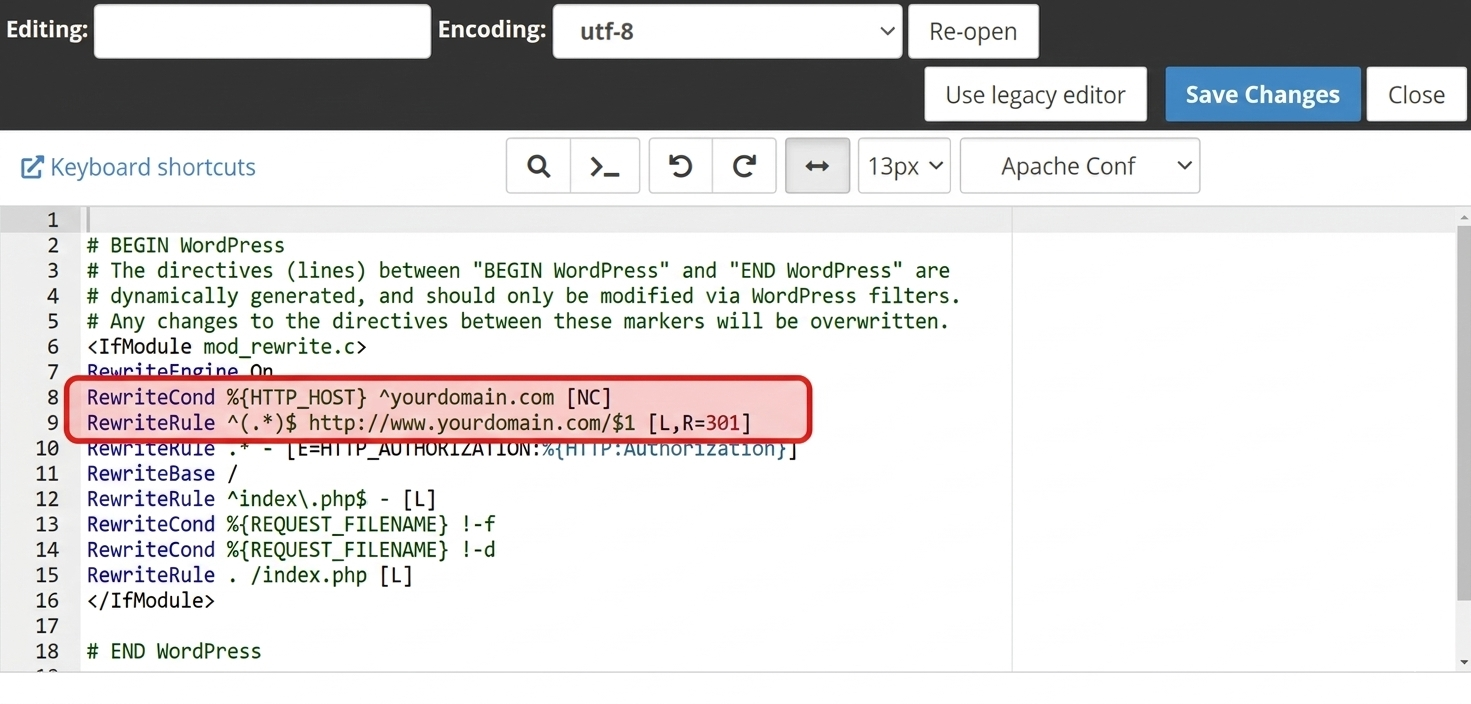
Managing URLs properly is an important part of maintaining a website. Clean URLs improve user experience, help search engines understand your content, and prevent broken links. One of the most powerful tools for handling this on Apache servers is the .htaccess URL redirect and rewrite feature.
The .htaccess file allows website owners and developers to control how URLs behave without modifying the main server configuration. With it, you can redirect old pages to new ones, enforce HTTPS, remove or add “www,” and create SEO-friendly URLs.
In this guide, you will learn how .htaccess URL redirect and rewrite works and how to use it with practical examples.
What Is an .htaccess File?
The .htaccess file is a configuration file used by Apache web servers. It allows you to apply server settings at the directory level. Website developers commonly use it for:
-
URL redirects
-
URL rewriting
-
Password protection
-
Custom error pages
- Security settings
Because the file runs directly on the server, it can instantly change how visitors access your website.
Why Use .htaccess URL Redirect and Rewrite?
Using .htaccess URL redirect and rewrite provides several benefits for website management and SEO.
1. Improve SEO: Search engines prefer clean and readable URLs. Redirecting outdated URLs helps preserve your SEO rankings.
2. Fix Broken Links: If you change a page URL, a redirect ensures visitors are automatically sent to the correct page.
3. Create User-Friendly URLs: You can convert long dynamic URLs into shorter, cleaner links.
4. Force HTTPS or Domain Versions: You can redirect all traffic to secure HTTPS or standardize between www and non-www versions.
Example: Redirect One URL to Another
A common use of .htaccess URL redirect and rewrite is redirecting an old page to a new page.
Redirect 301 /old-page.html https://www.yourwebsite.com/new-page.htmlThis rule tells the server to permanently redirect visitors from old-page.html to new-page.html. The 301 redirect also informs search engines that the page has permanently moved.
Example: Redirect HTTP to HTTPS
Security is essential for modern websites. You can use .htaccess to redirect all visitors to the HTTPS version of your site.
RewriteEngine On
RewriteCond %{HTTPS} off
RewriteRule ^(.*)$ https://%{HTTP_HOST}/$1 [R=301,L]
Example: Remove “www” from URLs
If you want a consistent domain format, you can redirect www URLs to the non-www version.
RewriteEngine On
RewriteCond %{HTTP_HOST} ^www\.(.*)$ [NC]
RewriteRule ^(.*)$ https://%1/$1 [R=301,L]
This helps avoid duplicate content issues in search engines.
Example: Create SEO-Friendly URLs
Dynamic URLs often look complicated. Using .htaccess URL redirect and rewrite, you can simplify them.
Example dynamic URL:
example.com/product.php?id=15Rewrite rule:
RewriteEngine On
RewriteRule ^product/([0-9]+)/?$ product.php?id=$1 [L]
Now the URL becomes:
example.com/product/15This format is much cleaner and easier for both users and search engines.
Best Practices for Using .htaccess
Before making changes to your .htaccess file, keep these tips in mind:
-
Always create a backup before editing.
-
Use 301 redirects for permanent changes.
-
Test redirects to ensure they work correctly.
-
Avoid unnecessary rules that may slow down your website.
Properly configuring .htaccess URL redirect and rewrite can significantly improve website performance, SEO, and usability.
Conclusion
The .htaccess URL redirect and rewrite feature is a powerful tool for controlling how URLs behave on Apache servers. Whether you want to redirect old pages, enforce HTTPS, or create clean SEO-friendly URLs, the .htaccess file allows you to do it efficiently.
By implementing the right redirect and rewrite rules, you can enhance your website’s SEO, improve user experience, and maintain a well-structured URL system.