
Dirga Raj Lama
Web Developer
How to Fix Cross-Browser Compatibility Issues: The Ultimate 2026 Guide
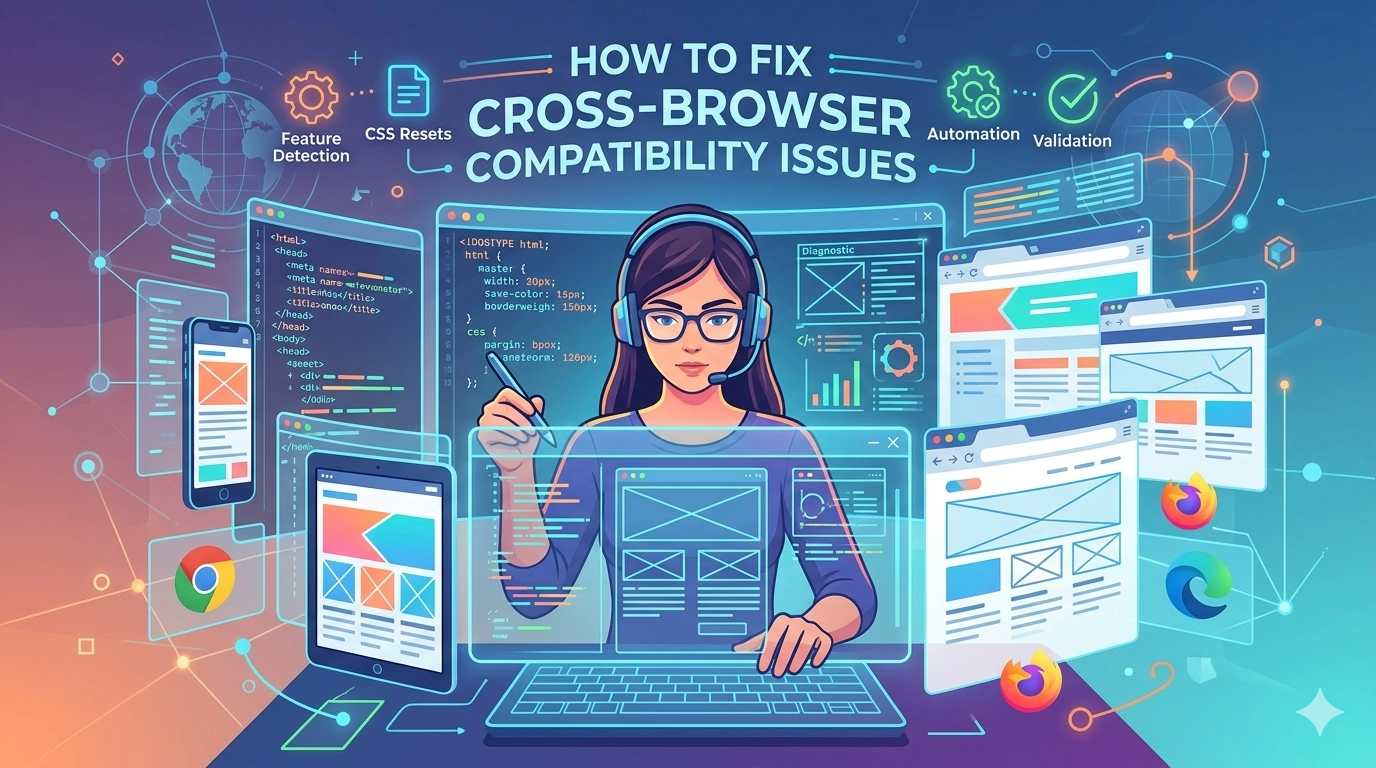
In the modern digital landscape, users access the web through a fragmented array of devices, from foldable smartphones to high-refresh-rate desktop monitors. For any web developer, the primary challenge is ensuring that a website looks and functions identically across all platforms. If you want to fix cross-browser compatibility issues, you must move beyond simple trial and error. Compatibility problems—ranging from misaligned layouts to broken JavaScript functions—can frustrate users and tank your SEO rankings. By implementing a structured workflow involving clean code, feature detection, and automated testing, you can deliver a consistent experience regardless of whether your visitor is using Chrome, Safari, Firefox, or a privacy-focused browser.
Understanding the Root Causes of Incompatibility
Before diving into the solutions, it is essential to understand why these discrepancies occur. Each browser uses a different rendering engine (such as Blink for Chrome, WebKit for Safari, and Gecko for Firefox). These engines interpret HTML and CSS according to their own internal rules, especially when it comes to newer web standards.
Common culprits include the following:
- Default Browser Styles: Every browser applies its own default padding and margins to elements.
- Unsupported CSS Properties: Modern features like advanced CSS Grid or specific filter effects may not be fully implemented in older browser versions.
- JavaScript Discrepancies: Older engines may not support the latest ES2026 features, leading to script crashes.
1. Use a CSS Reset or Normalize.css
The first step to fix cross-browser compatibility issues is to level the playing field. Since browsers have different default styles, your layout might look perfect in Chrome but appear “broken” in Safari.
A CSS reset (like Eric Meyer’s reset) removes all default styling, giving you a blank canvas. Alternatively, Normalize.css preserves useful defaults while correcting common bugs. Using these ensures that your starting point is identical across all environments, preventing those annoying 1px misalignments that plague complex layouts.
2. Implement Feature Detection with Modernizr
Instead of targeting specific browsers (which is often unreliable), modern developers use feature detection. Tools like Modernizr allow you to check if a user’s browser supports a specific feature (like WebGL or CSS Flexbox) before executing the code.
If a feature isn’t supported, you can provide a “fallback” or “graceful degradation.” For example, if a browser doesn’t support a high-end animation, you can serve a static image instead. This approach ensures your site remains functional for everyone, even if the visual experience varies slightly.
3. Validate Your Code Regularly
Small syntax errors—like a missing closing tag or a forgotten semicolon—might be ignored by one browser but cause a total layout collapse in another. To effectively fix cross-browser compatibility issues, you should use the W3C Markup Validation Service.
Validation helps you identify:
- Nested tags that aren’t closed properly.
- Deprecated HTML attributes that no longer work.
- CSS syntax errors that prevent styles from loading.
4. Leverage Vendor Prefixes
While many CSS3 properties are now standardized, some newer experimental features still require vendor prefixes to work. For example:
-webkit-(Chrome, Safari, newer versions of Opera)-moz-(Firefox)-ms-(Internet Explorer and Edge)
Manually adding these is tedious. Using a tool like Autoprefixer (integrated into your build process) automatically adds the necessary prefixes based on current data from Can I Use, ensuring your modern styles work everywhere.
5. Utilize AI-Driven Testing Tools
In 2026, manual testing is no longer sufficient. To truly fix cross-browser compatibility issues at scale, you need automated platforms. Cloud-based testing tools allow you to run your website on thousands of real device and browser combinations simultaneously.
Recommended tools for 2026:
-
Playwright & Cypress: Excellent for automated functional testing.
-
BrowserStack: Provides access to a massive “Real Device Cloud.”
-
TestMu AI: Uses artificial intelligence to detect UI inconsistencies and “self-heal” broken test scripts.
6. Adopt a Mobile-First Approach
Most compatibility issues arise when trying to “shrink” a desktop site down to a mobile view. By designing mobile-first, you ensure that the core functionality works on the most constrained browsers first. As the screen size increases, you can layer on more complex features using CSS media queries. This progressive enhancement strategy is one of the most effective ways to prevent major compatibility hurdles before they even start.
Conclusion
Cross-browser compatibility is not a one-time fix; it is a continuous part of the development lifecycle. By starting with a solid foundation of validated code and CSS resets, utilizing feature detection over browser sniffing, and leveraging the power of AI-driven testing, you can ensure your web applications remain robust and accessible.
When you proactively fix cross-browser compatibility issues, you aren’t just pleasing the search engines—you are providing a professional, reliable experience for every single user, regardless of the software they choose to use.